
F3Ctrl+Alt+→Ctrl+CCtrl+V
Two panes, one keyboard.
F3 splits the window. Move focus between panes, copy on one side, paste on the other. Copies run in the background with speed, ETA and a pause button.
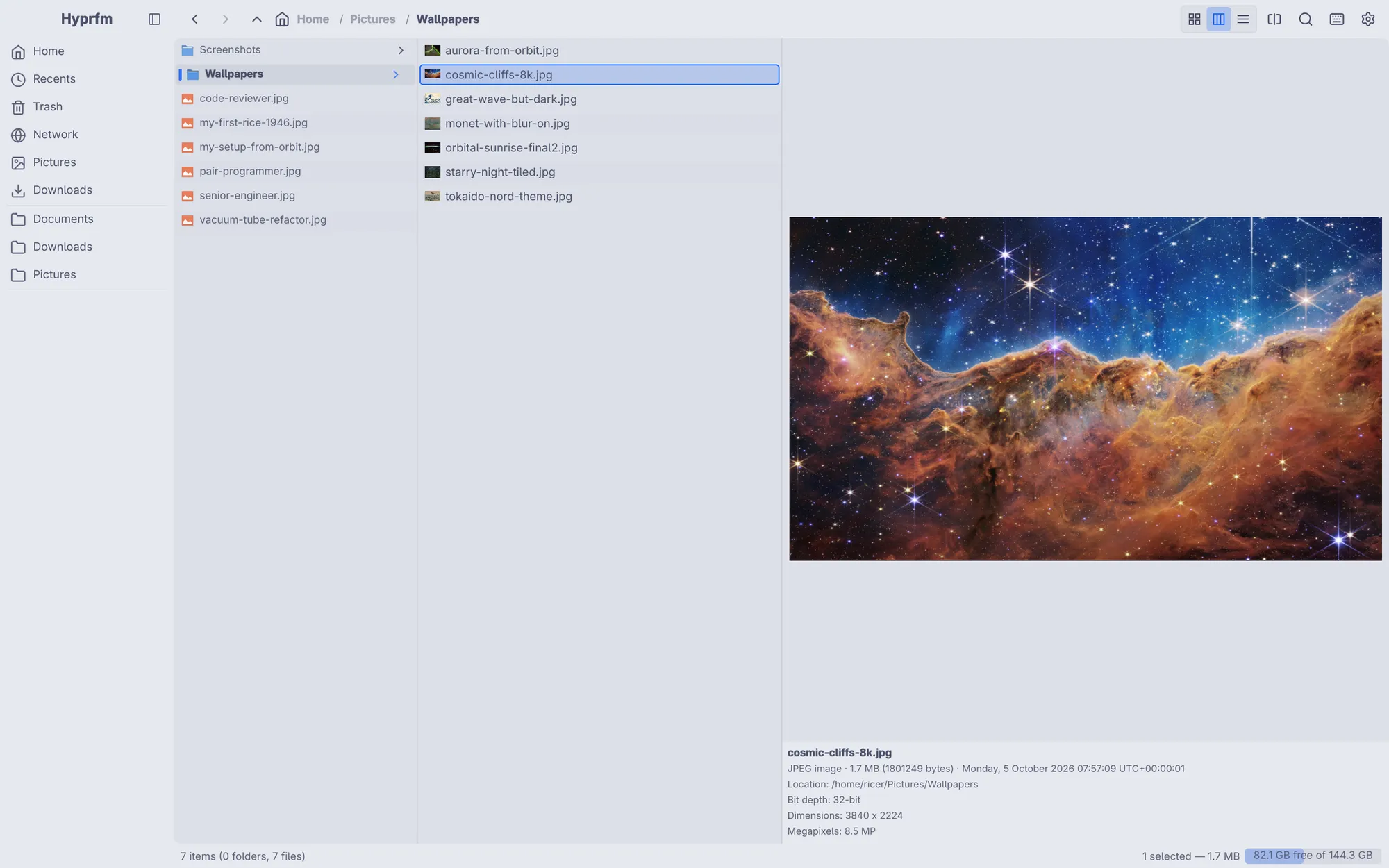
Fast, keyboard-first and Wayland-native. Miller columns, a preview for every file, and ten themes that reload the moment you save.
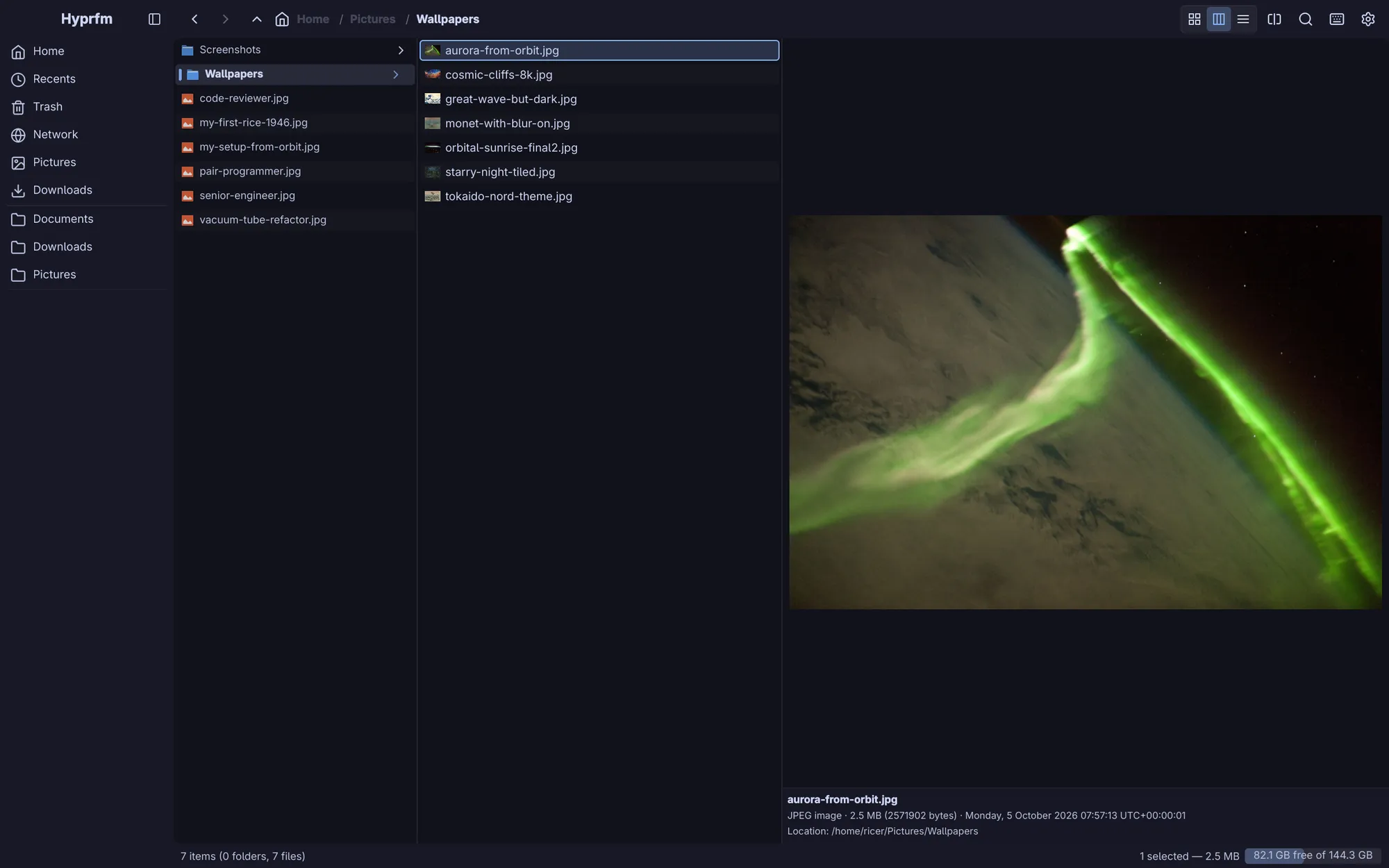
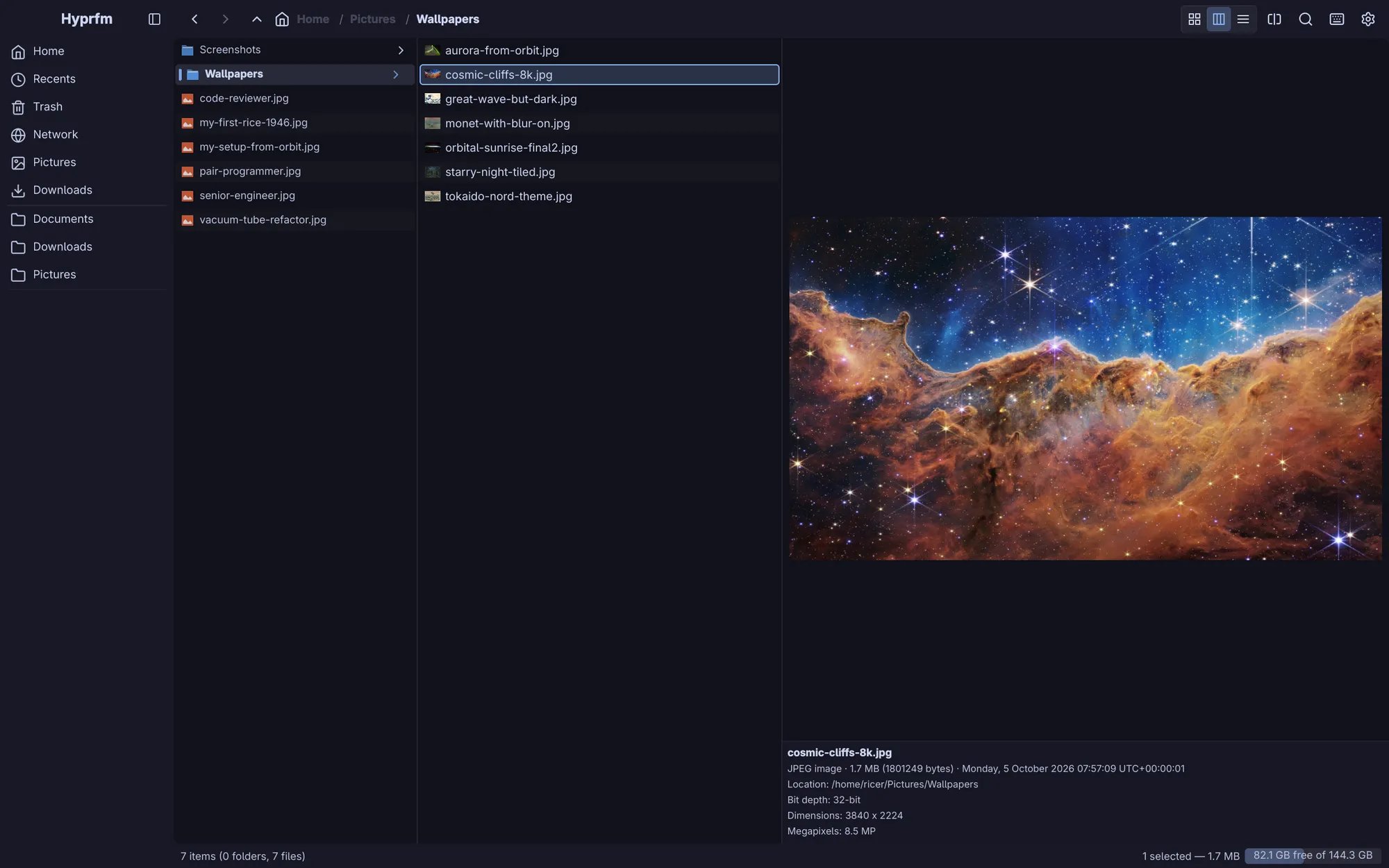
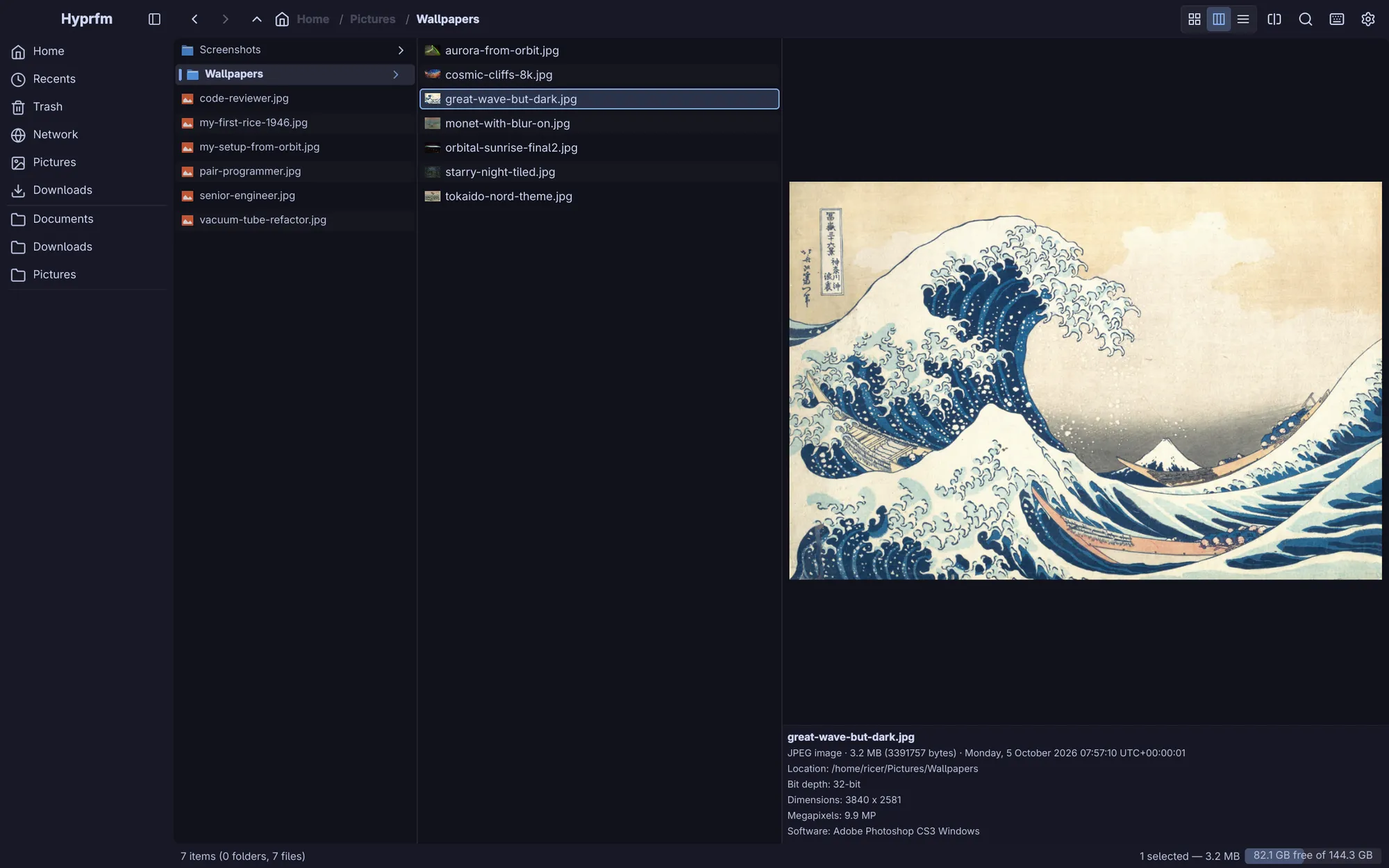
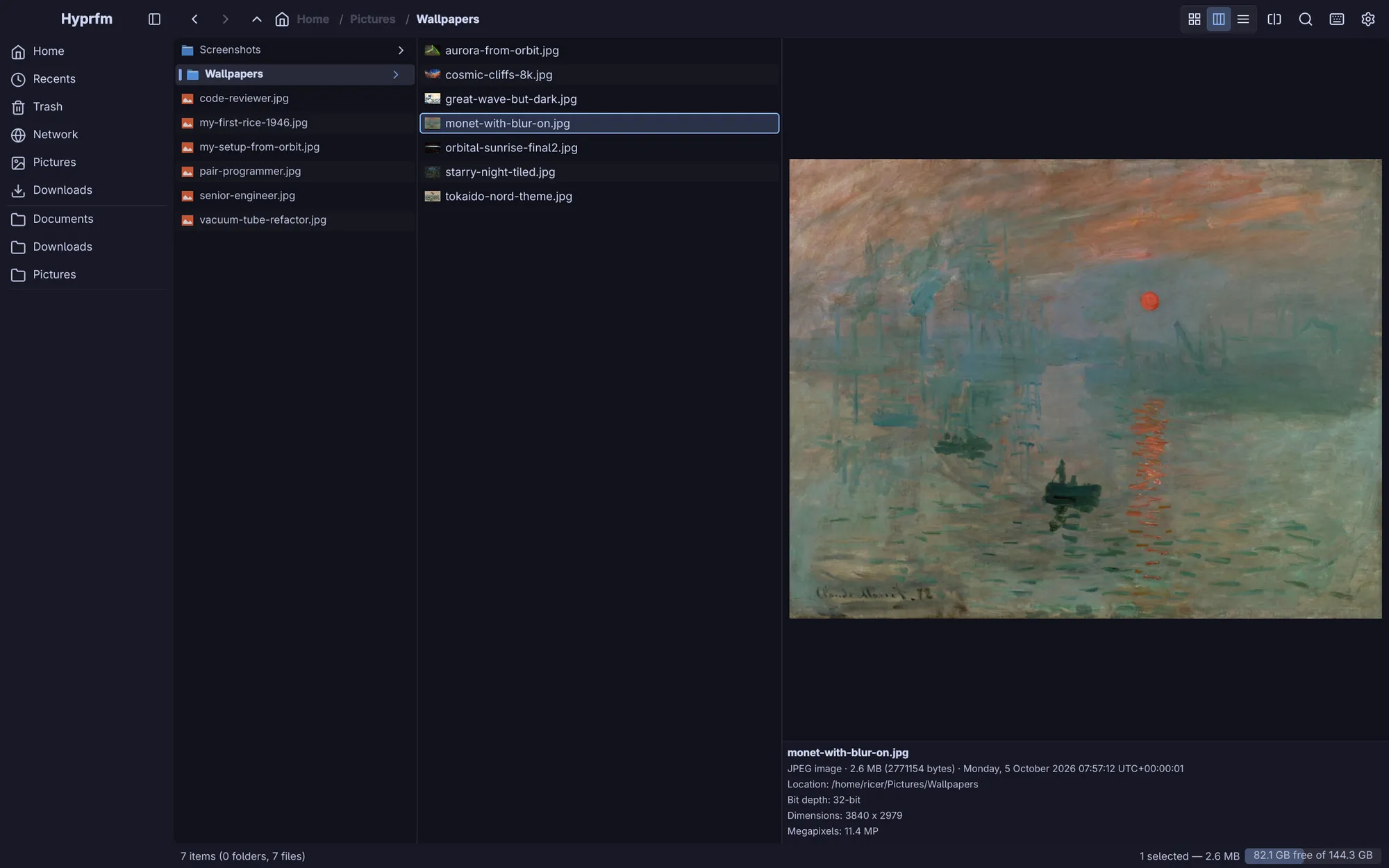
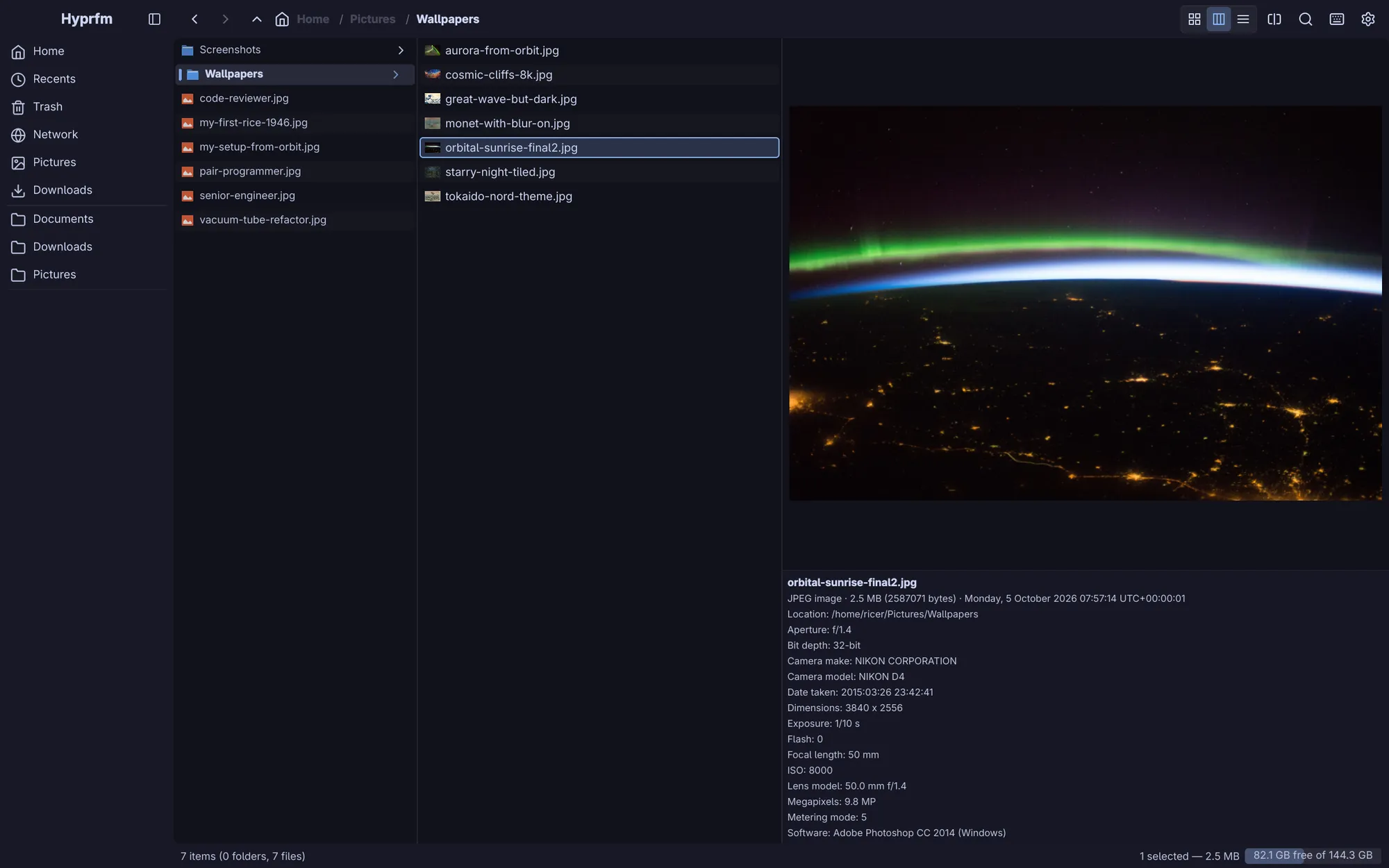
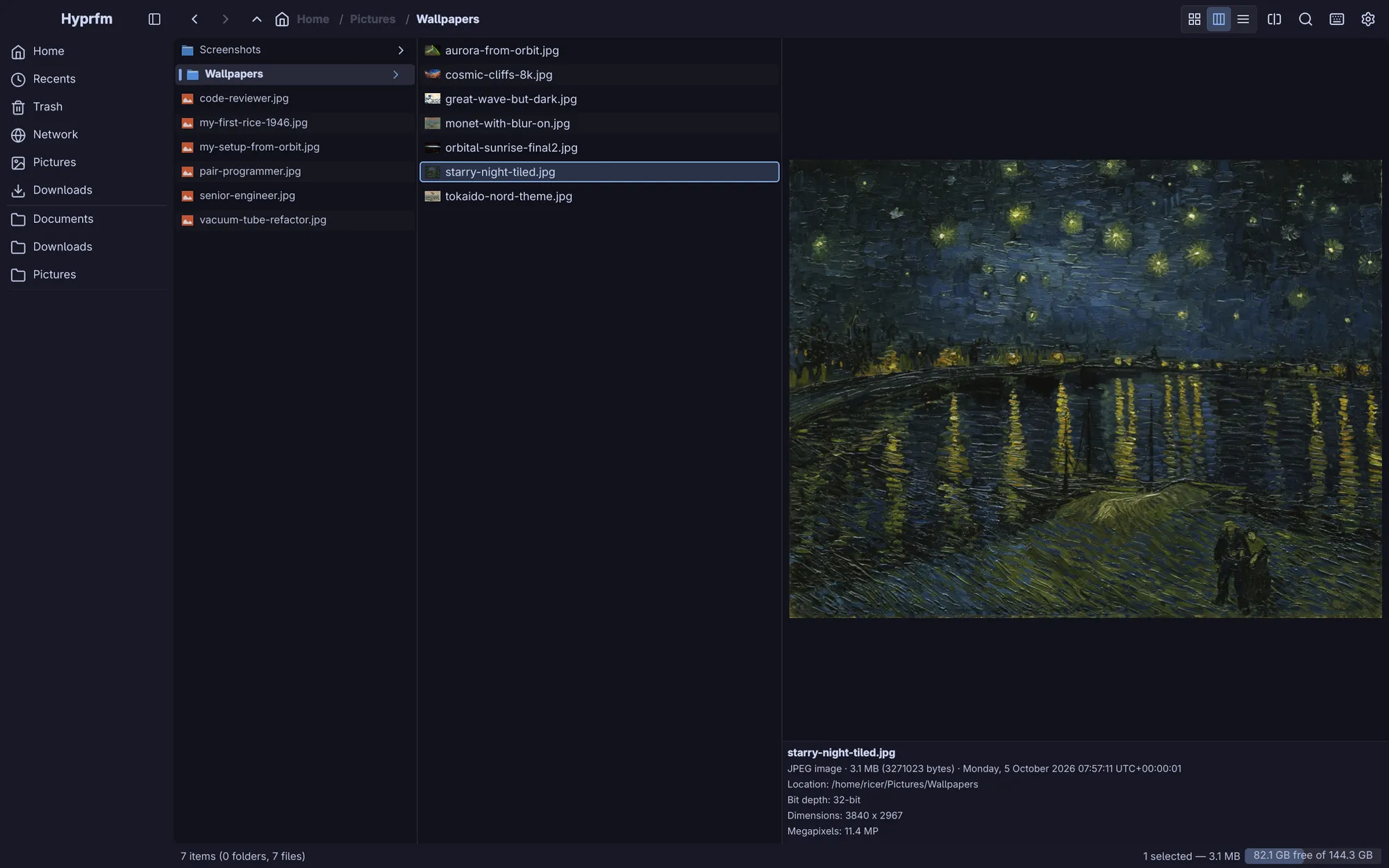
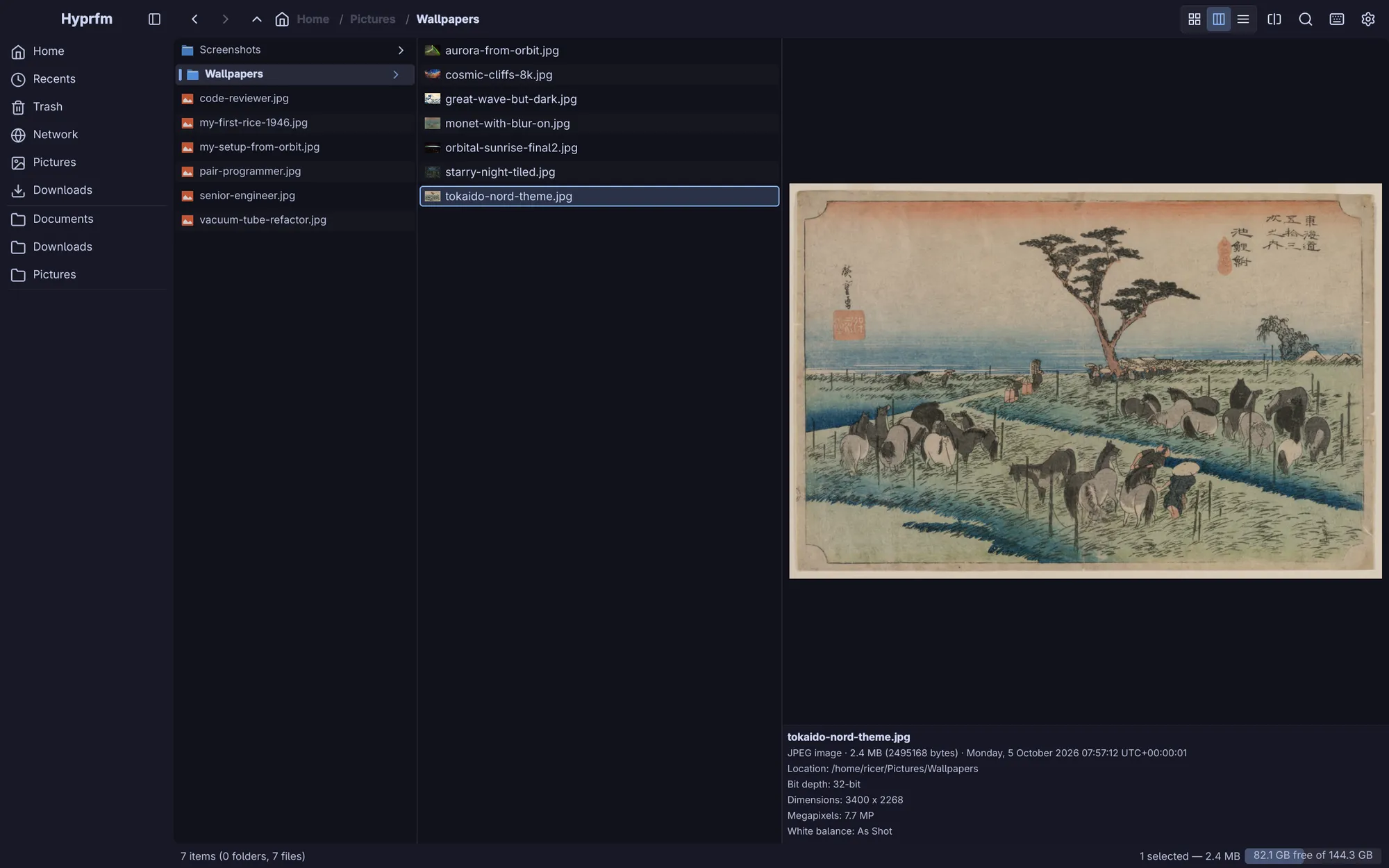
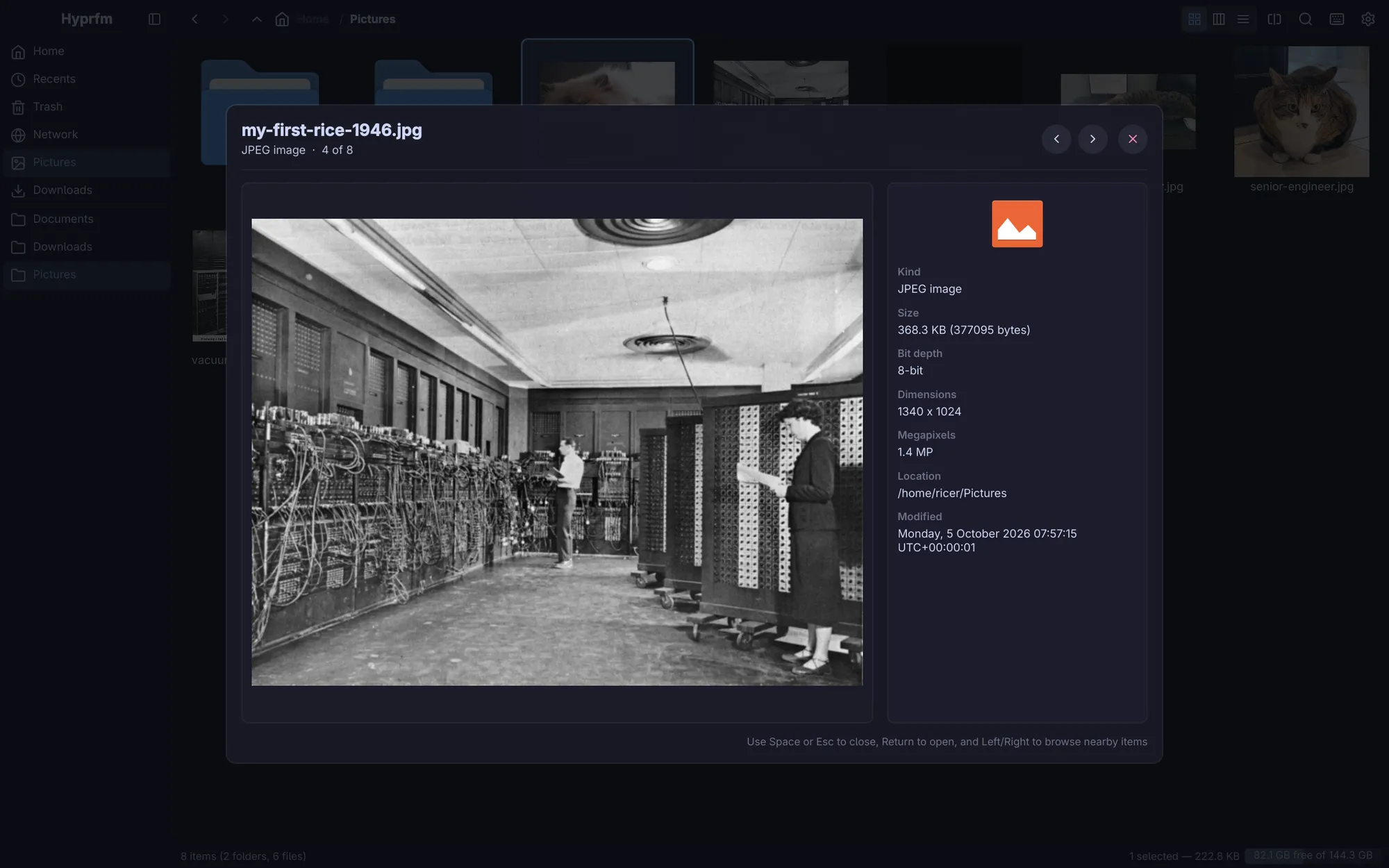
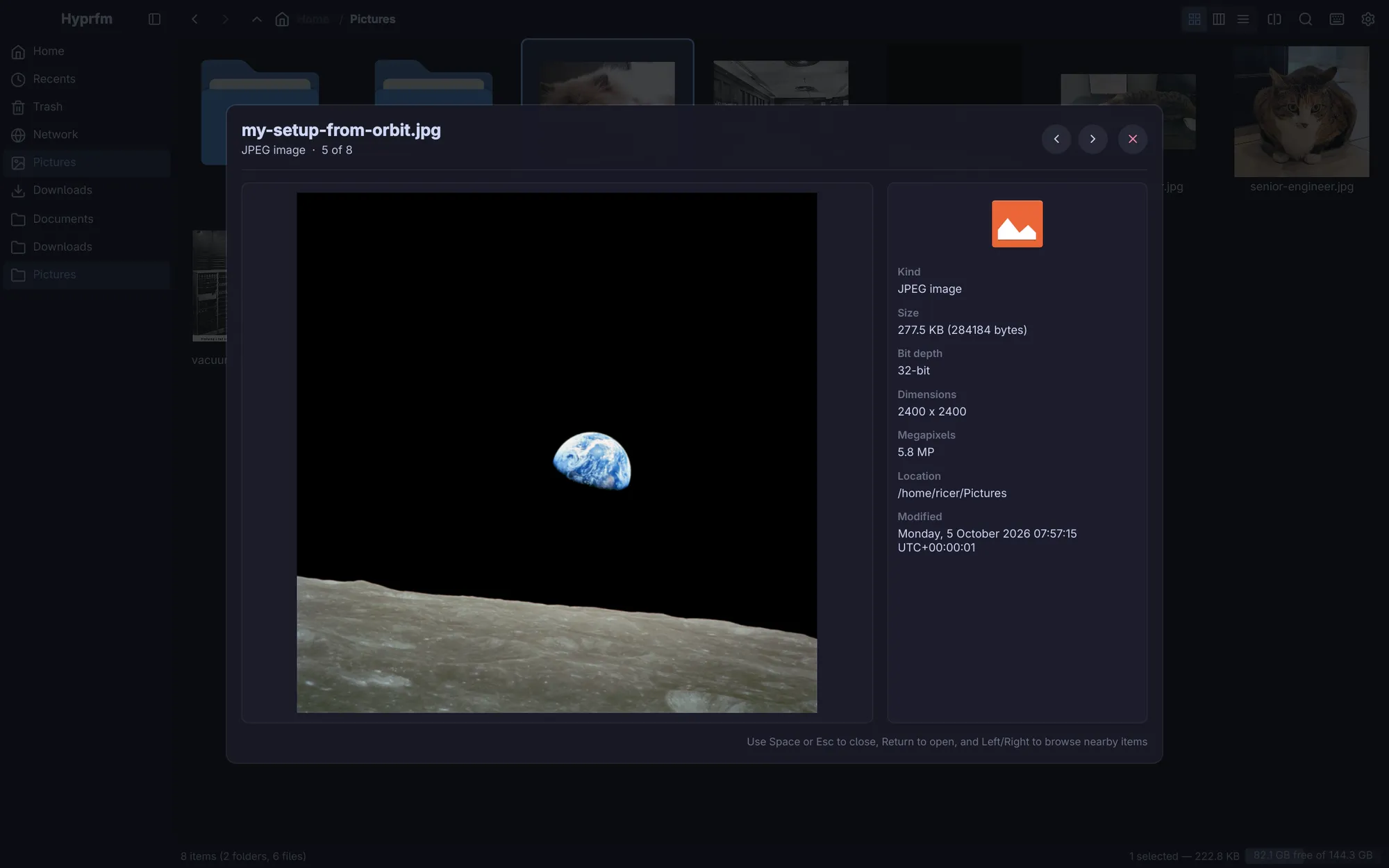
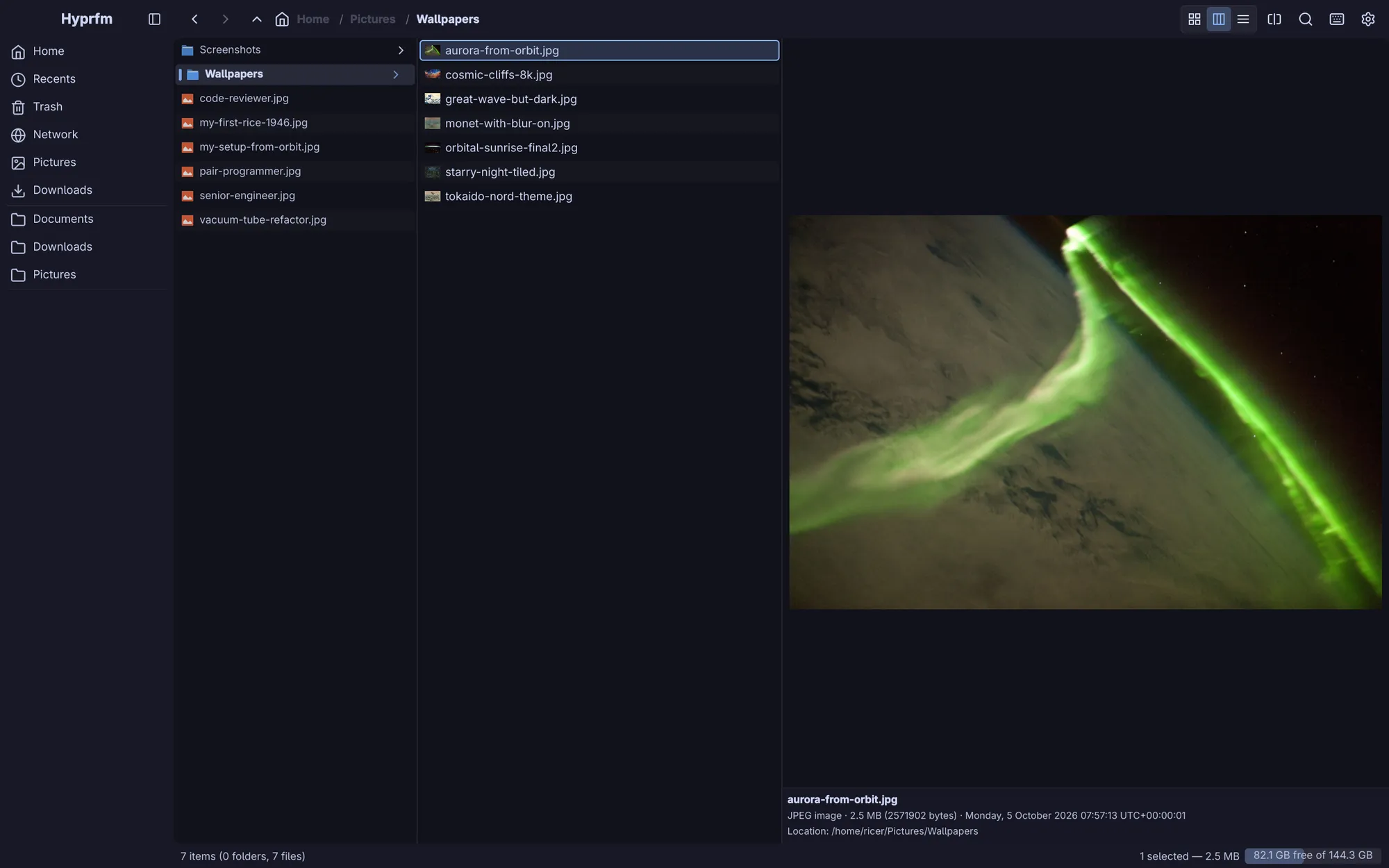
Miller columns aurora-from-orbit.jpg
Every frame is a recording of the real app on a headless Wayland session. Nothing here is a mock-up.
Previews for code, Markdown, PDFs, archives and fonts. Space to inspect anything, EXIF included. Split panes, bulk rename, undo, ten live themes, all from the keyboard. Every frame is the real app.
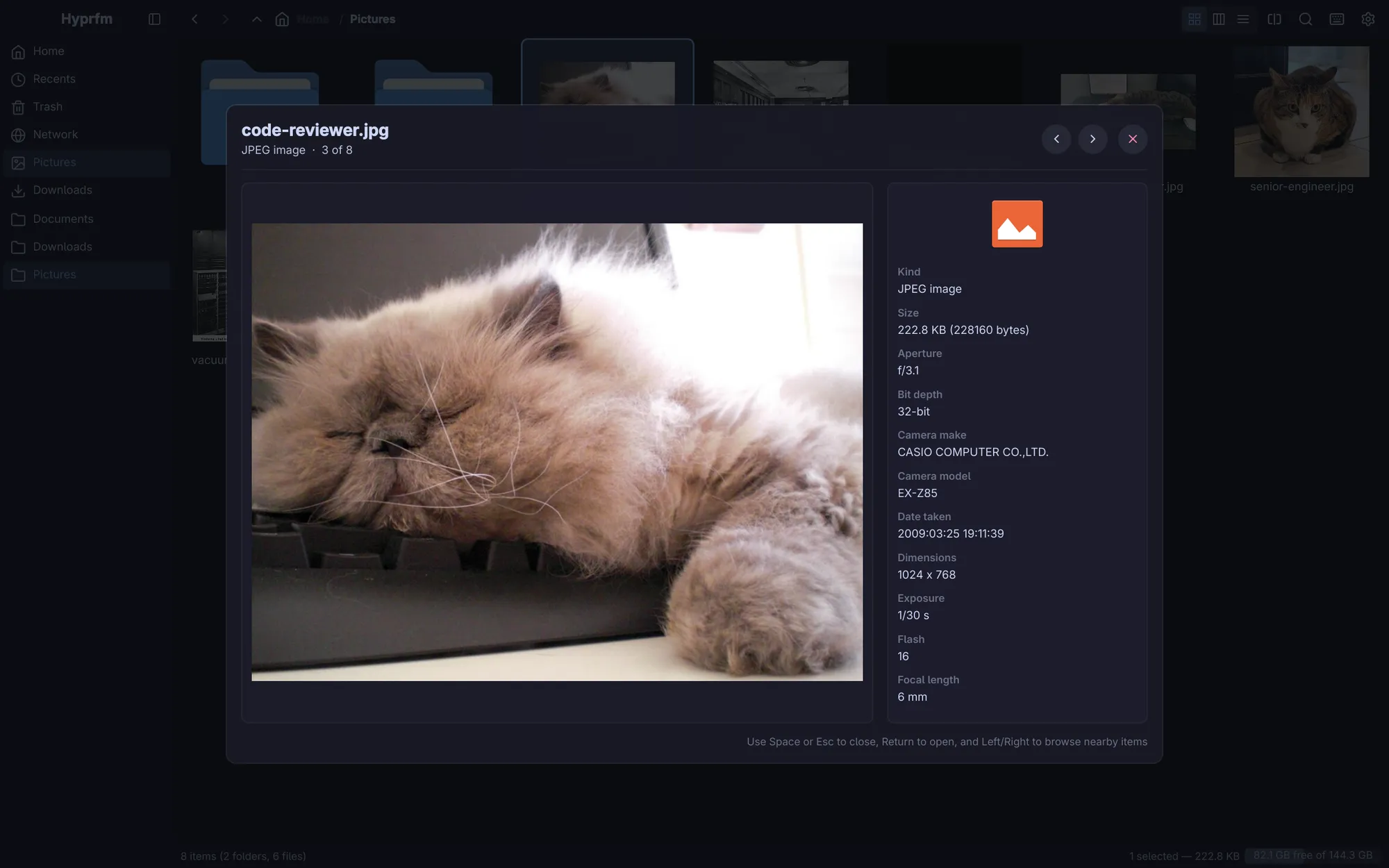
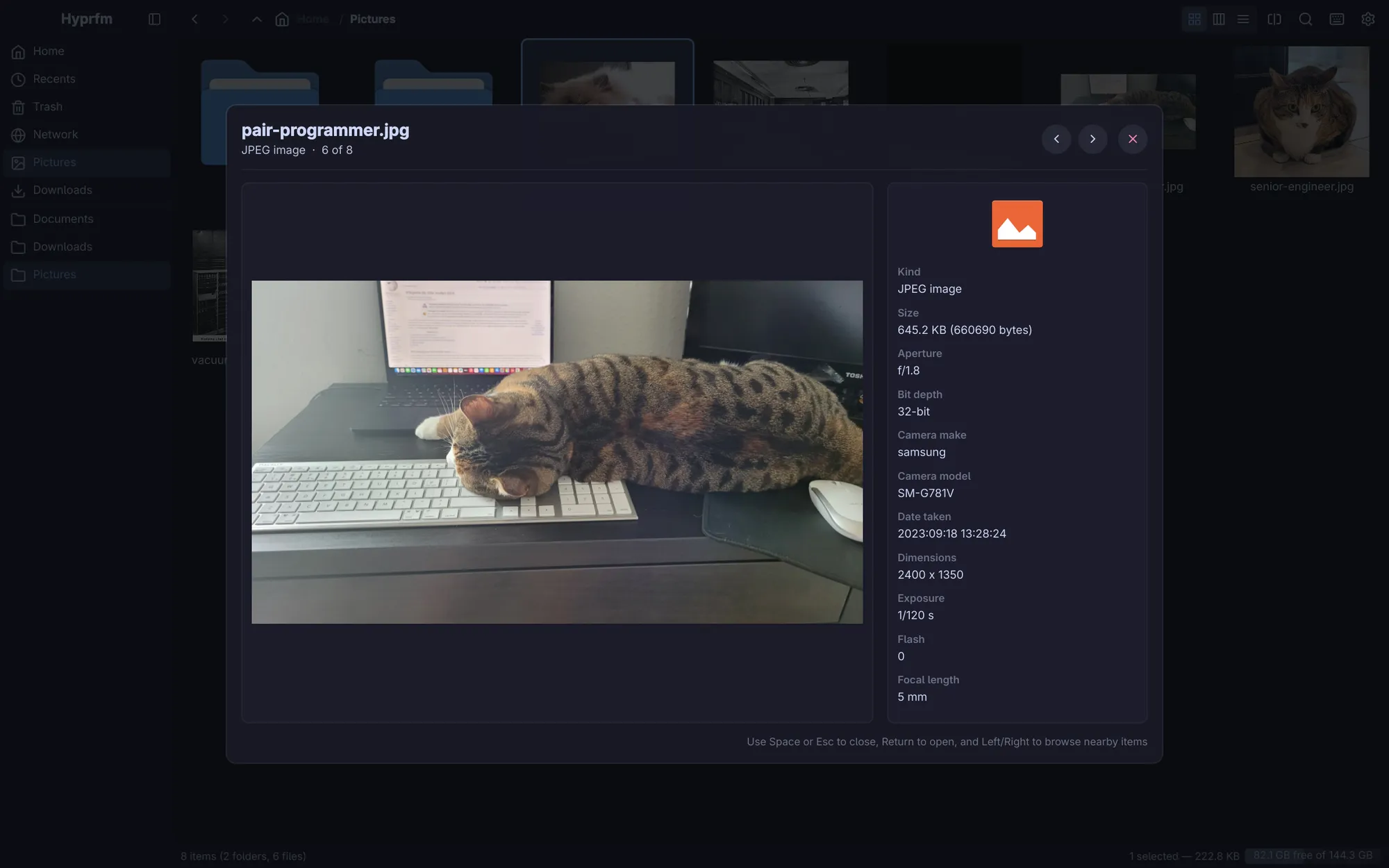
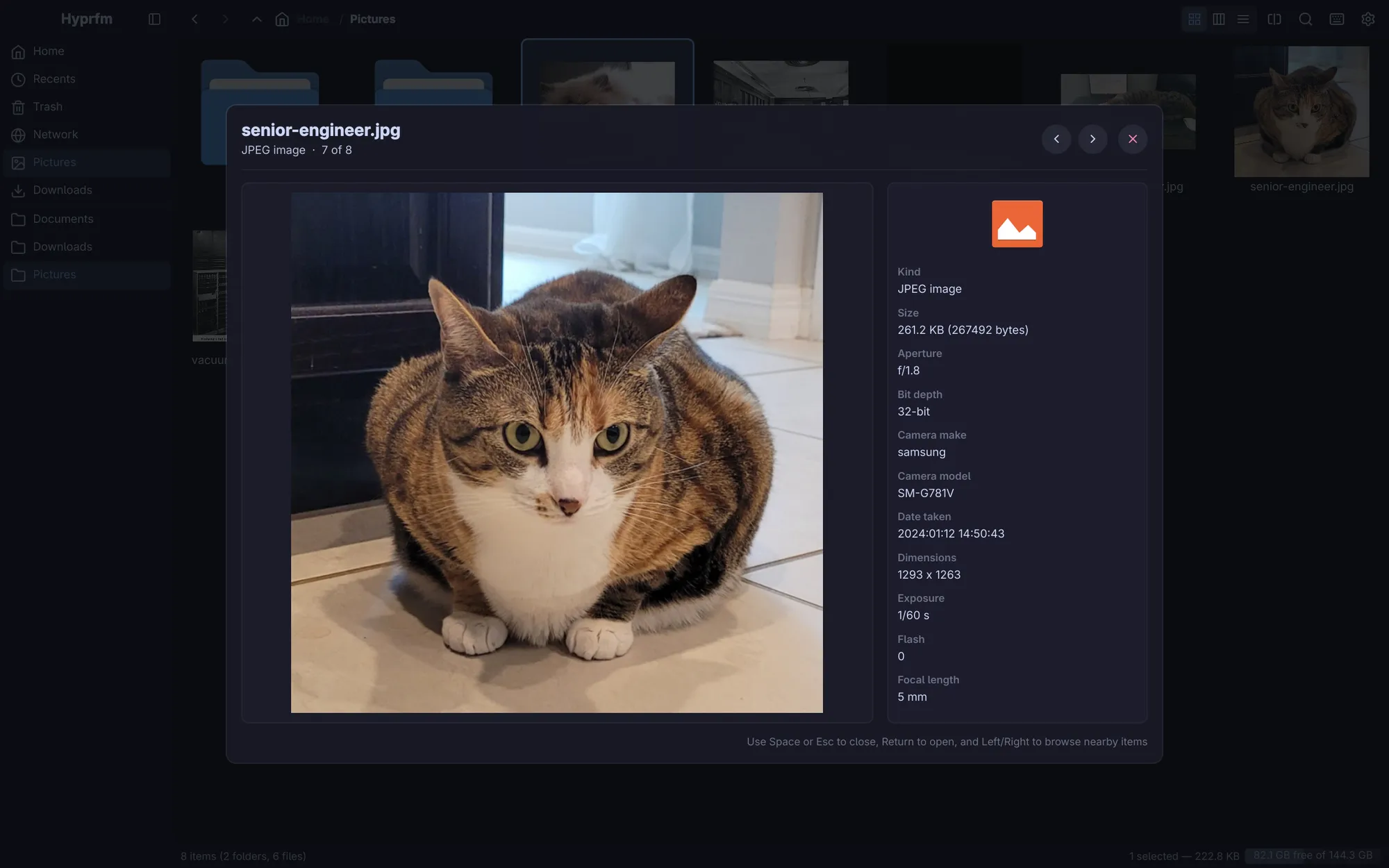
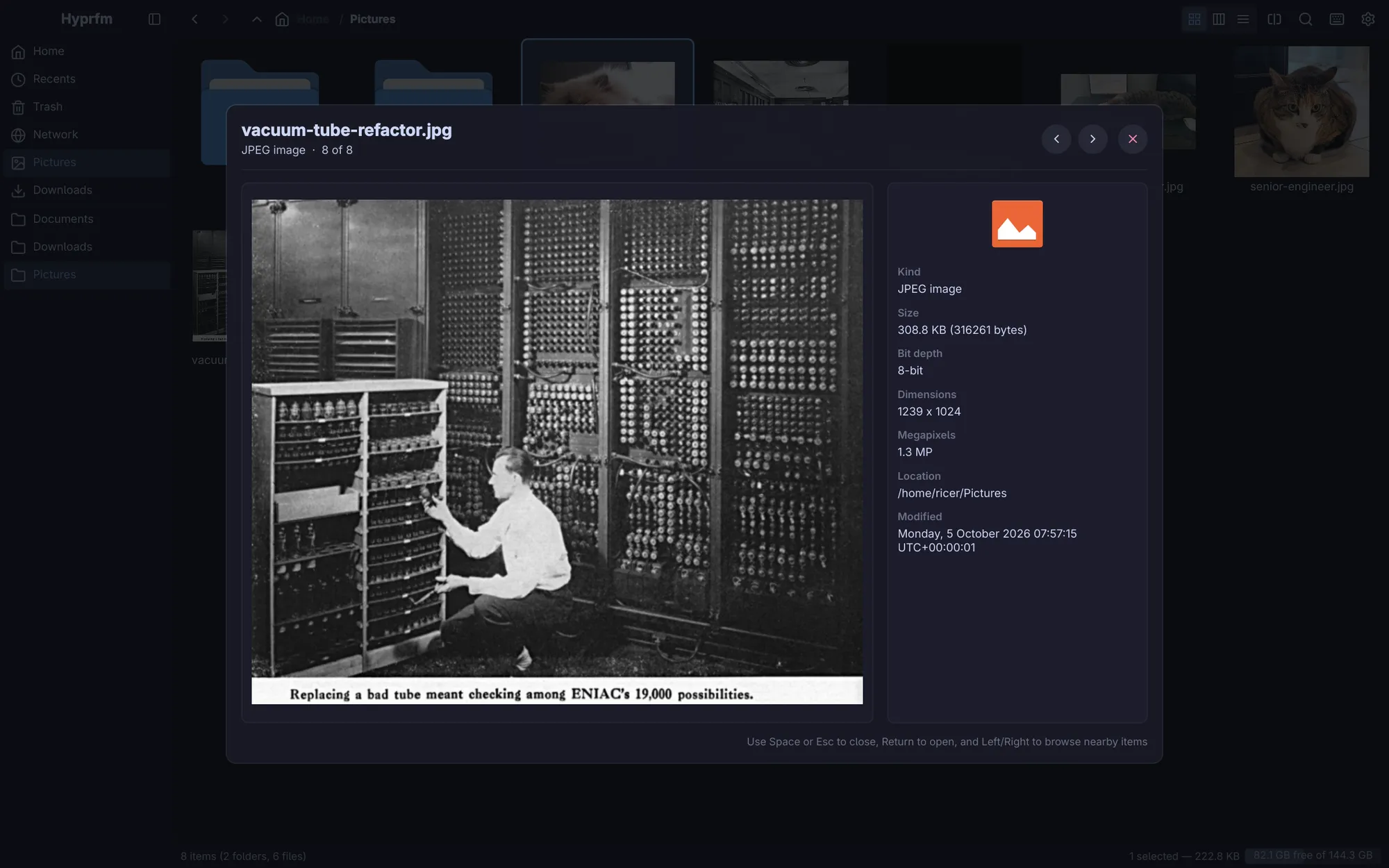
Select a file, press Space. A full overlay opens with the file and its metadata side by side, and the arrow keys walk the folder while it stays open. Space or Esc closes it.
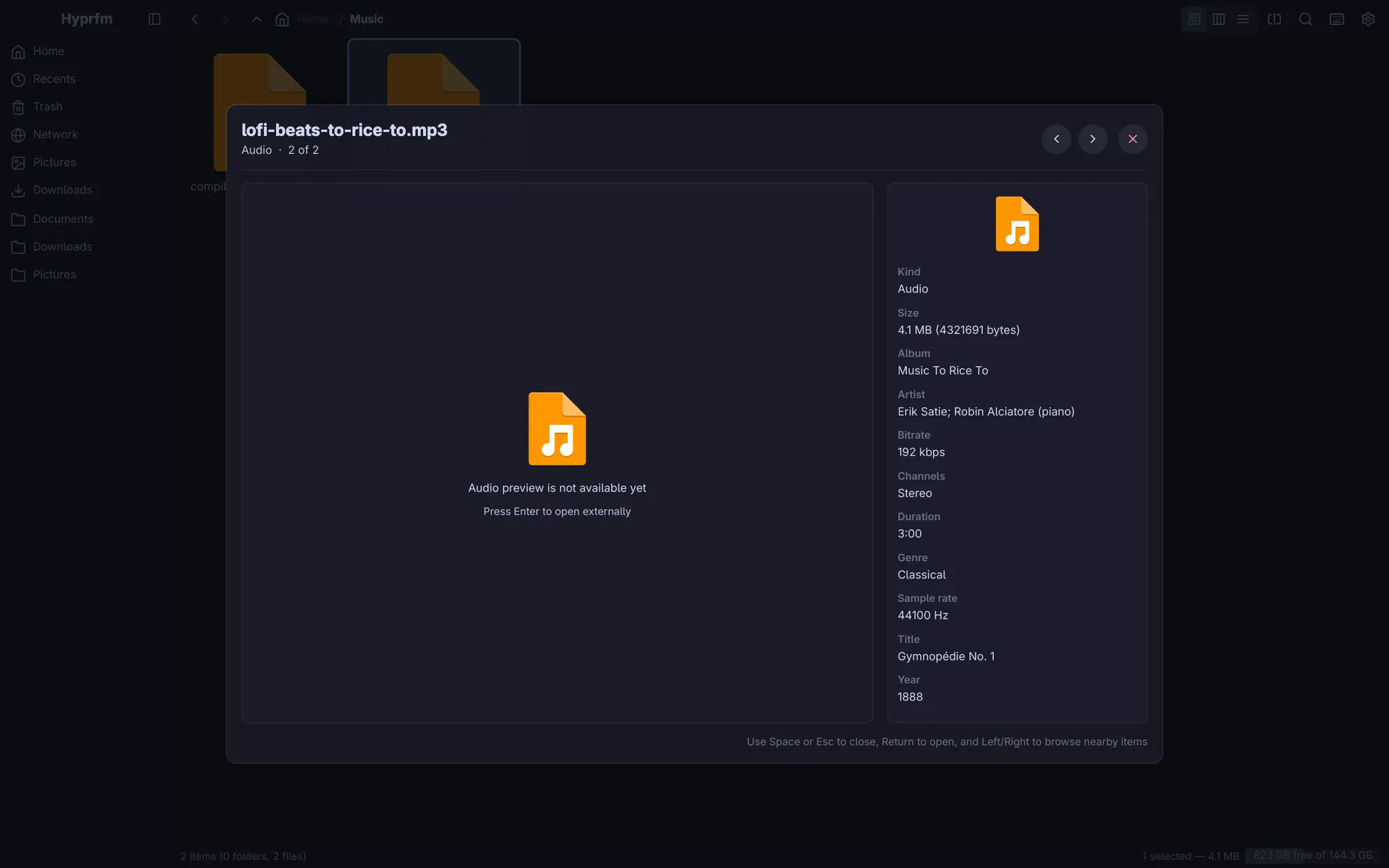
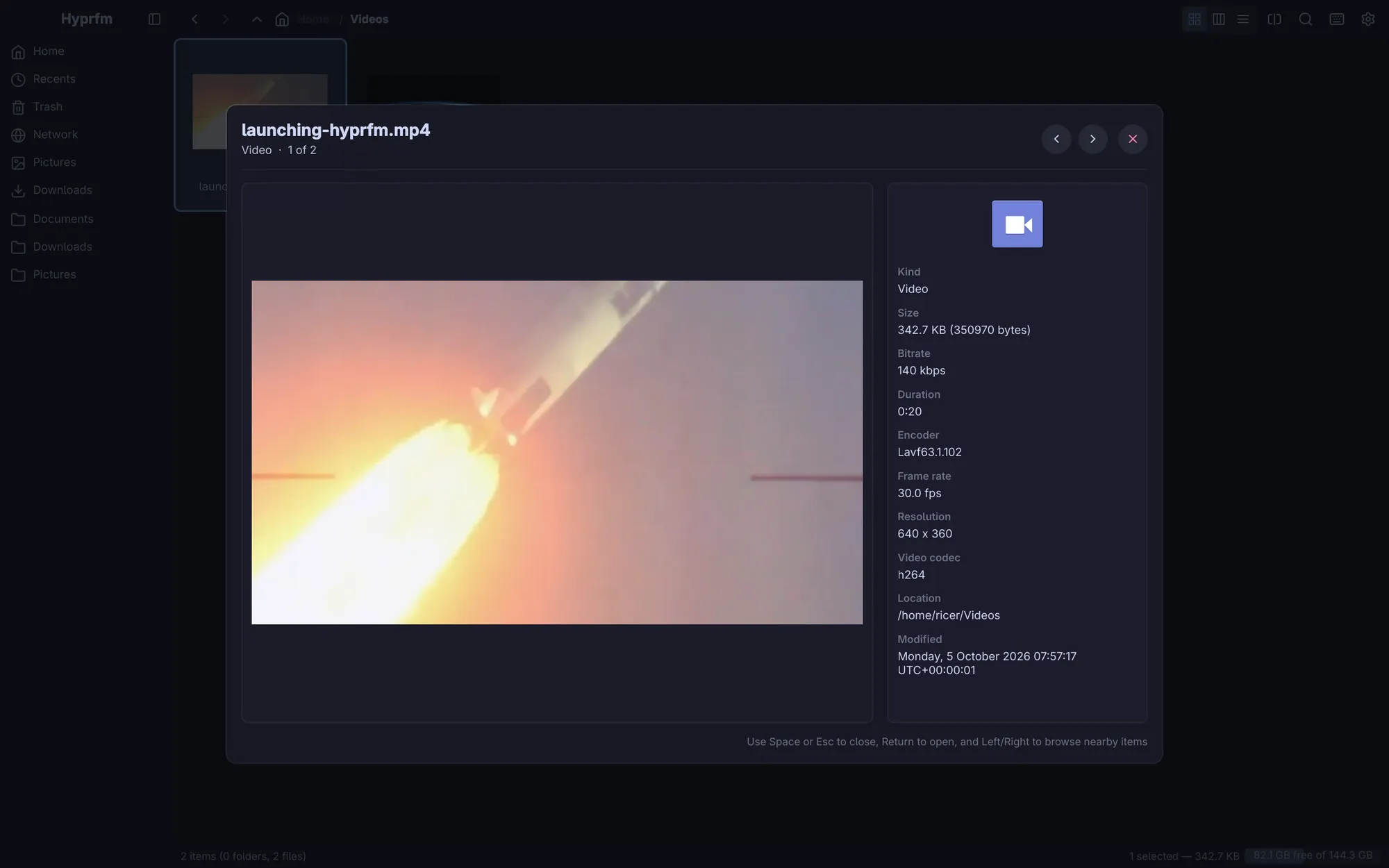
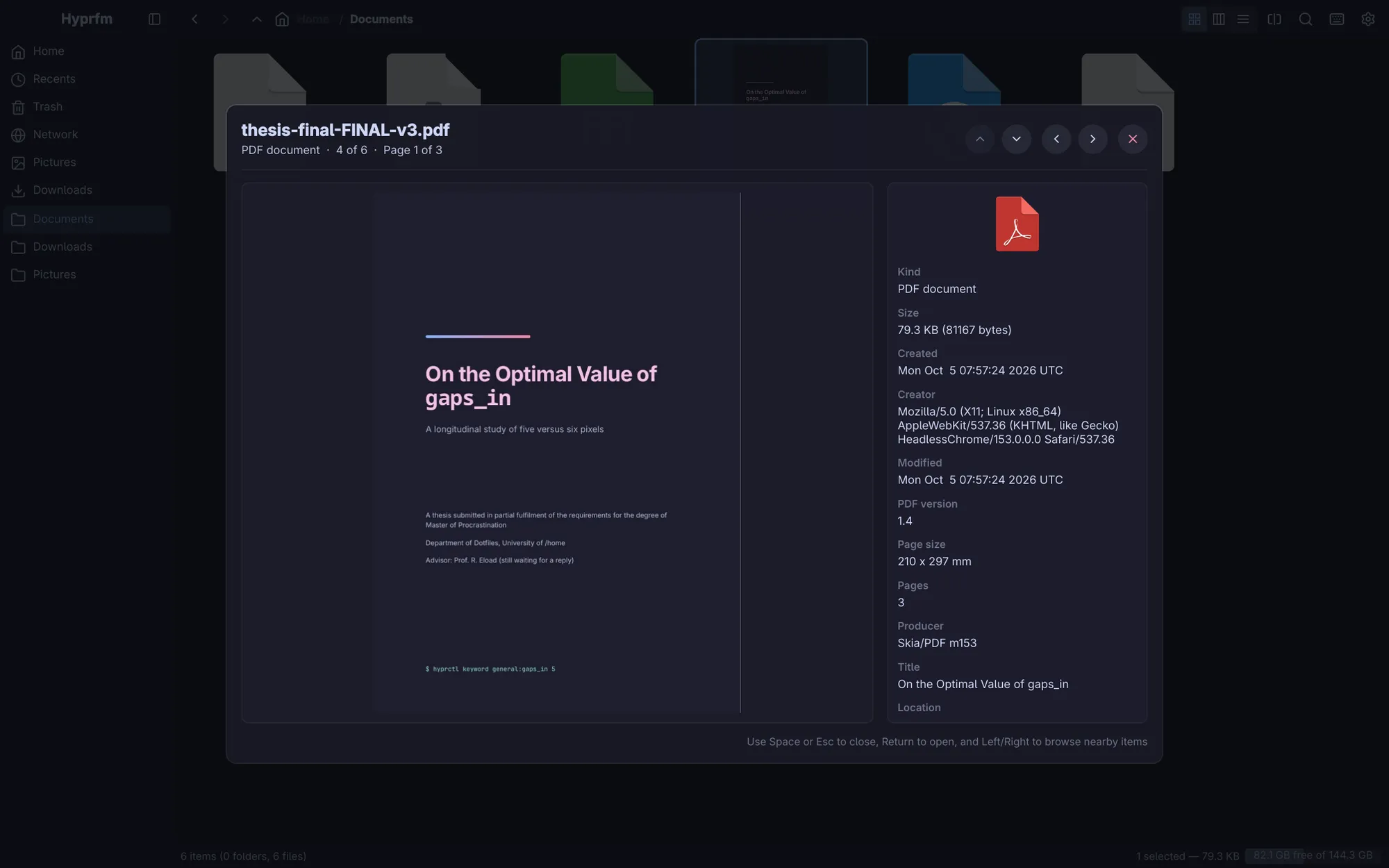
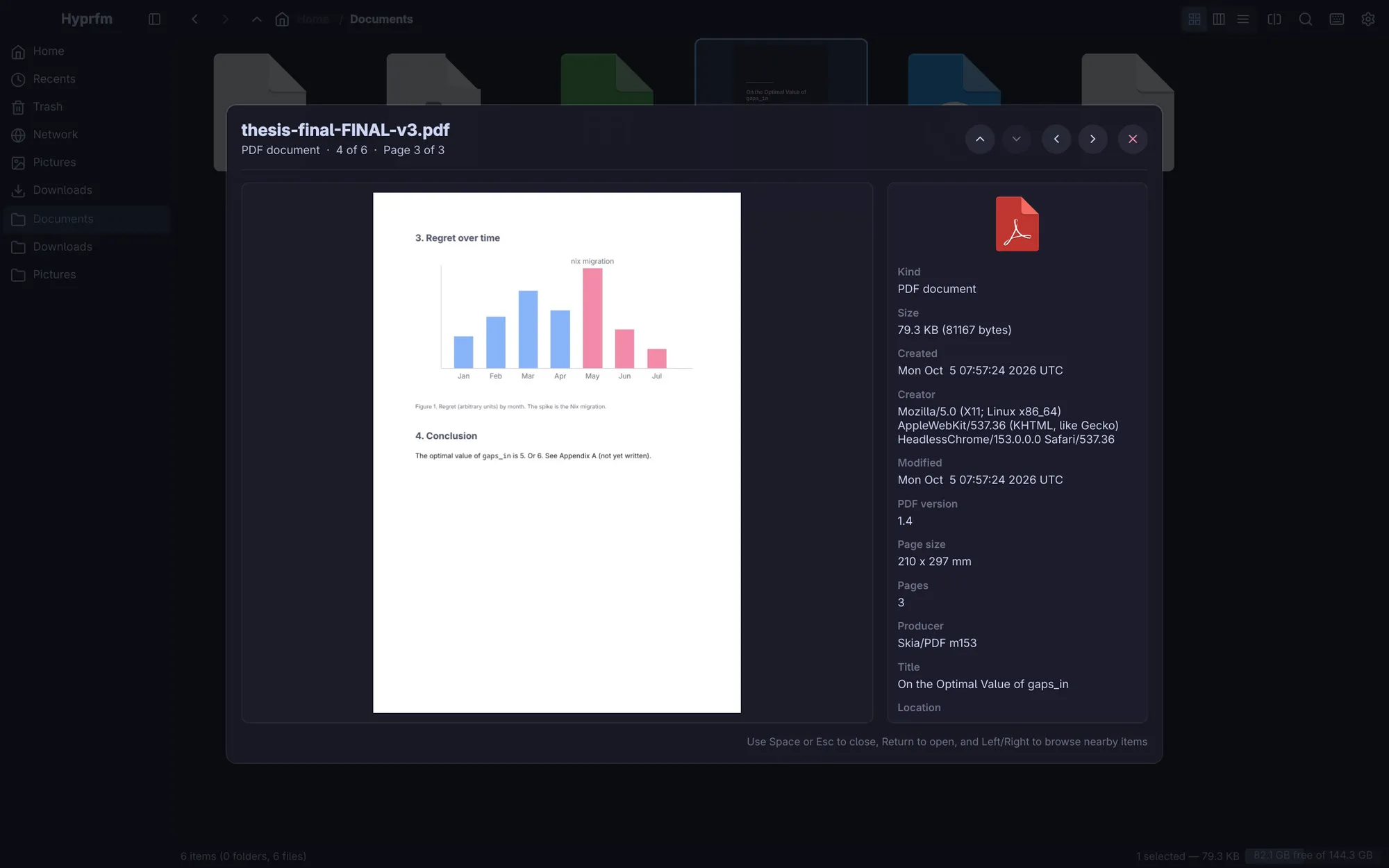
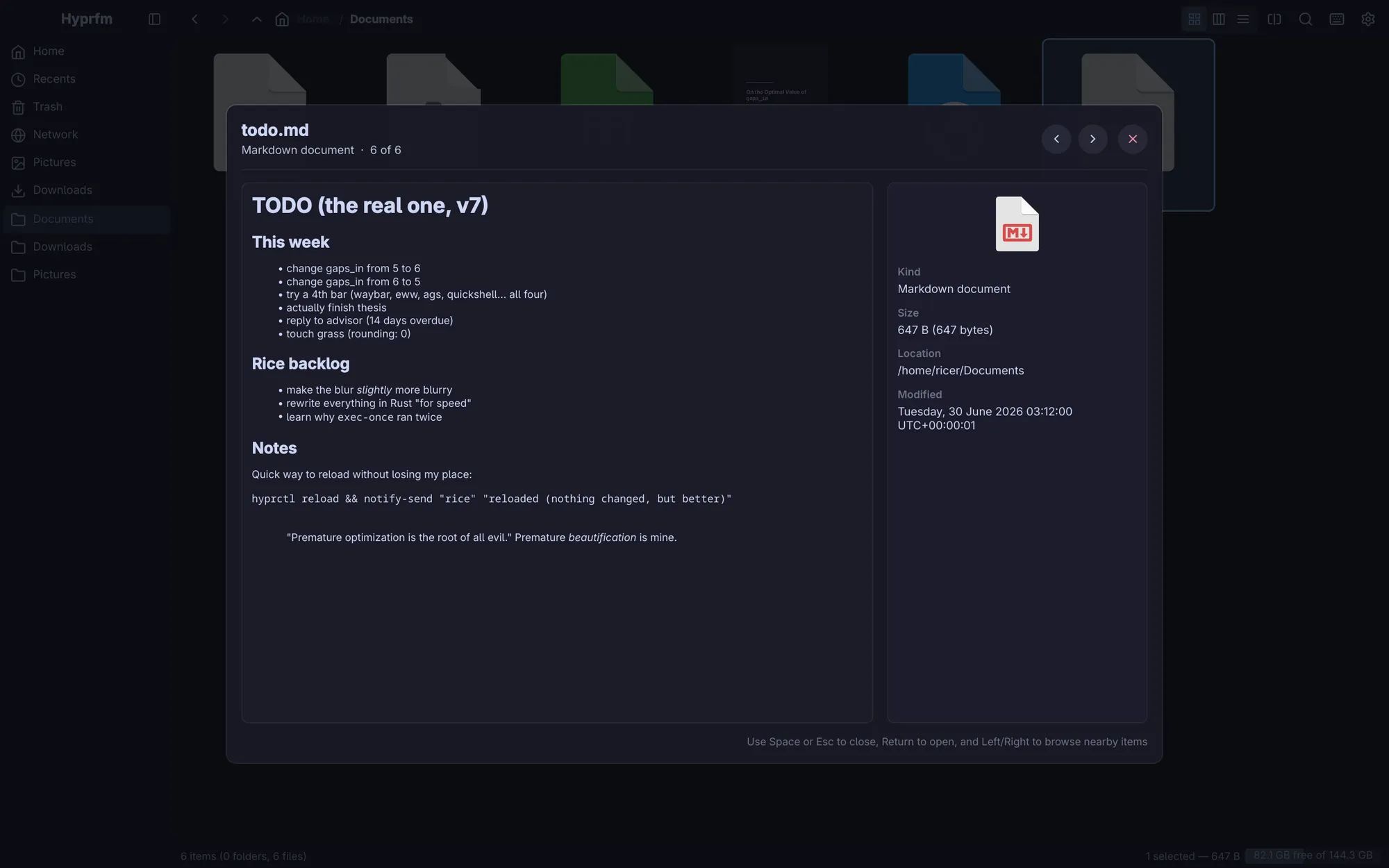
Photo + EXIF Photos show their camera EXIF: make, model, exposure, aperture, ISO. file: code-reviewer.jpg
Switch with Ctrl+1, Ctrl+2 and Ctrl+3 in the app. Here, press 1, 2 or 3. New tabs open in whichever view you were using.
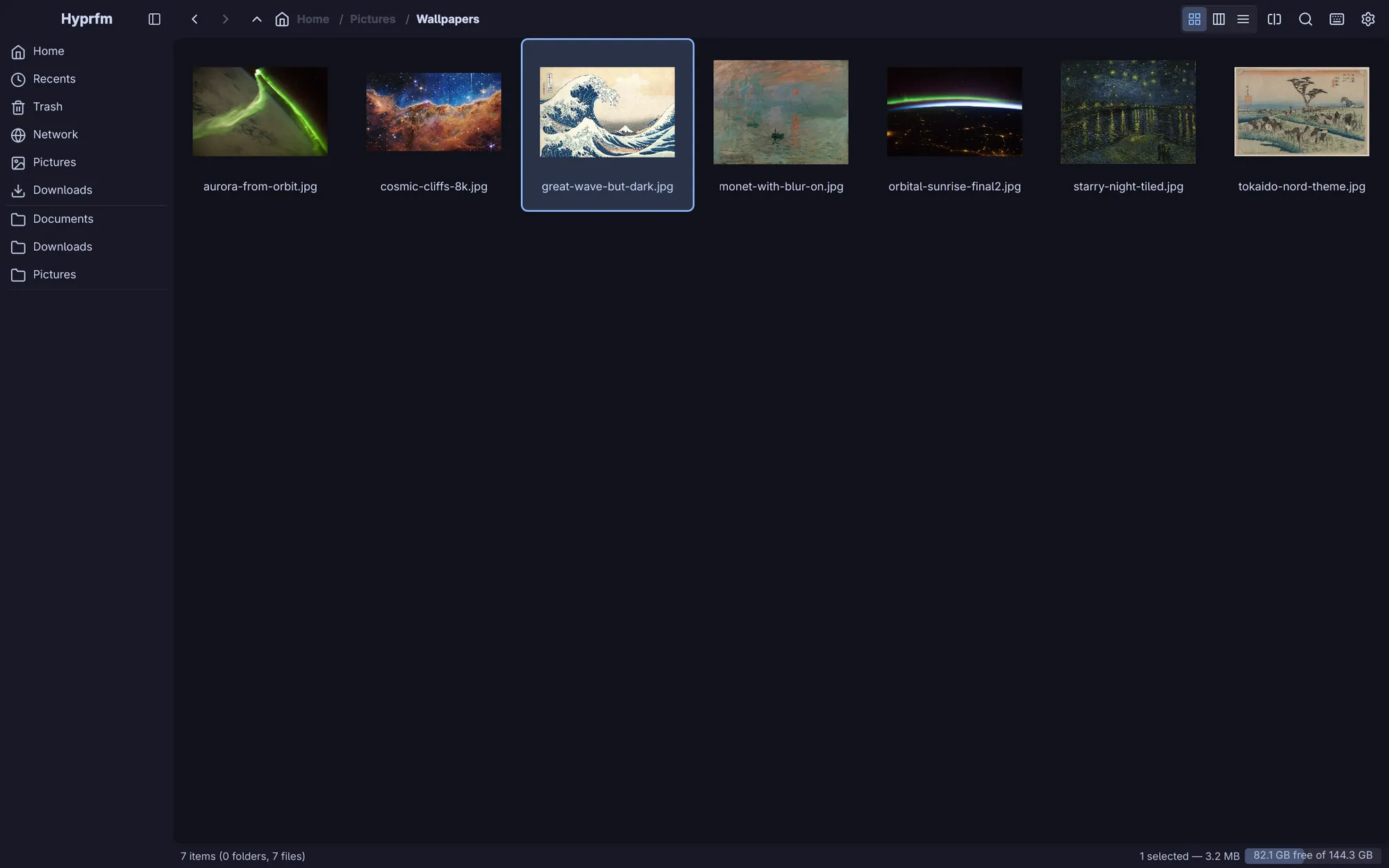
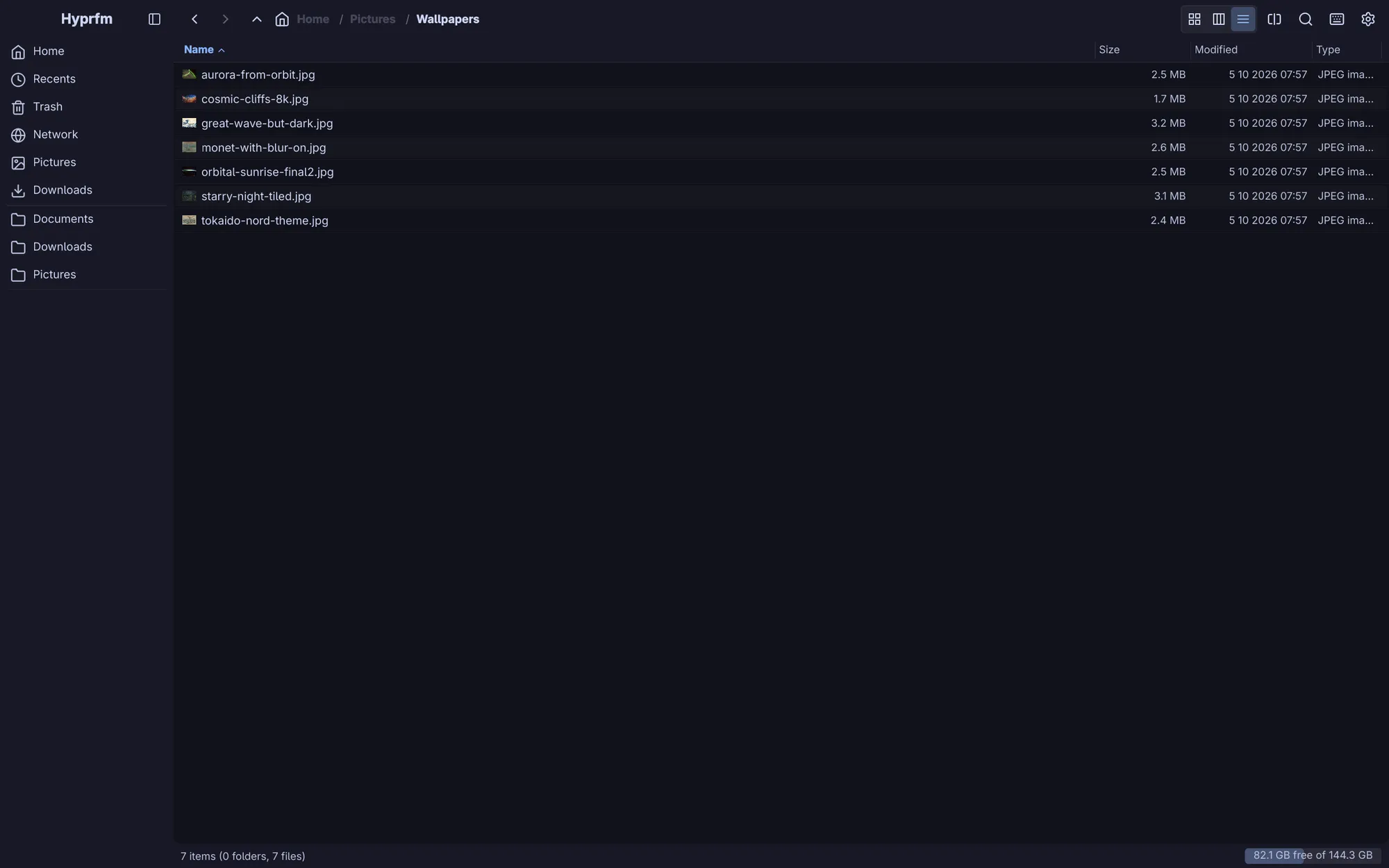
Thumbnails for images, video and PDFs. Ctrl+scroll resizes from two columns to twelve.
Everything below was recorded with key presses only: the session it ran in had no pointer at all. Start typing a name and the selection jumps to it.
F3 splits the window. Move focus between panes, copy on one side, paste on the other. Copies run in the background with speed, ETA and a pause button.
Trash it, then Ctrl+Z puts it back where it was. Undo and redo cover moves, renames and copies, fifty steps deep.
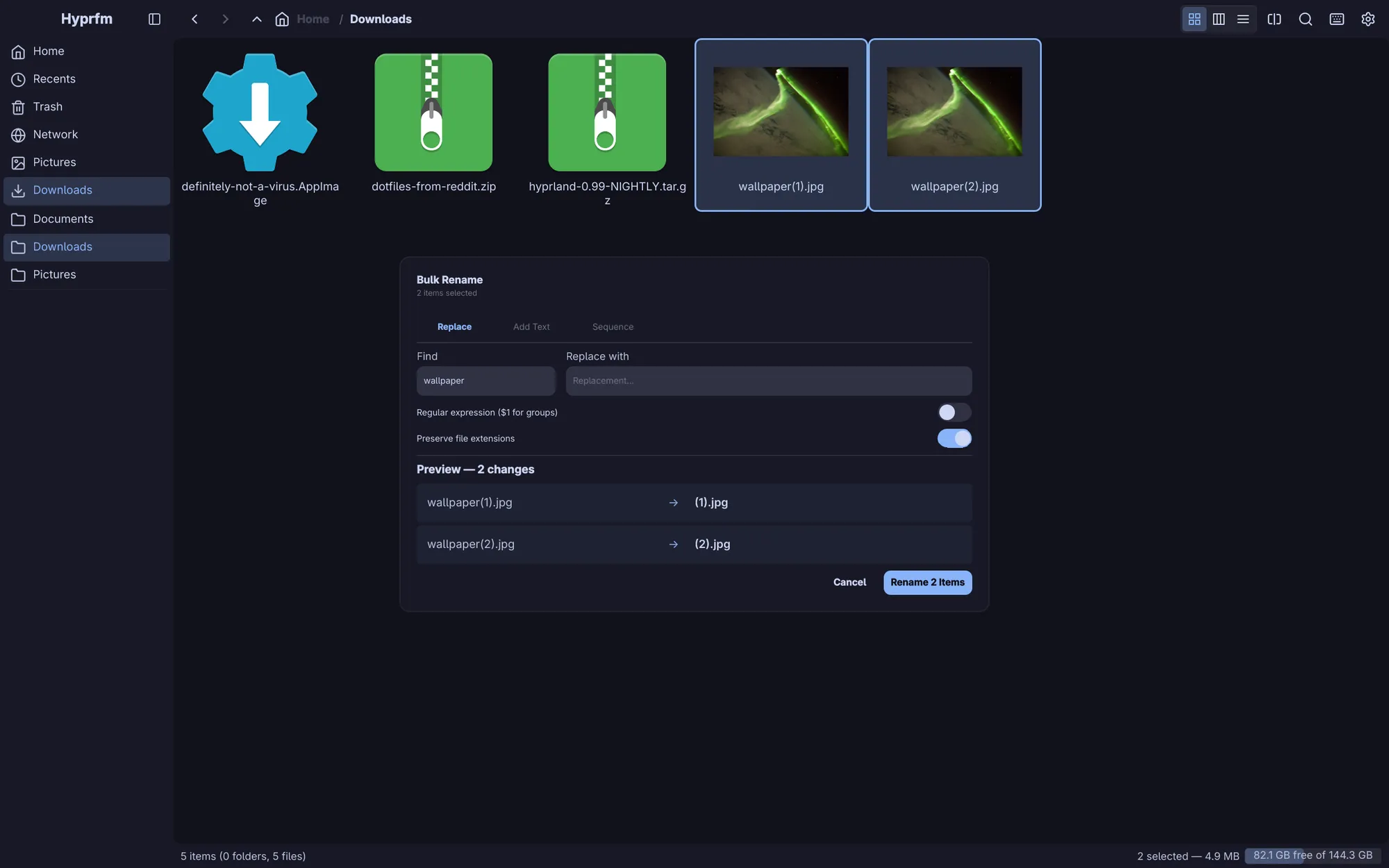
Select several files and press F2. Find and replace (regex included), add text, or number a sequence, and watch the new names before you commit.
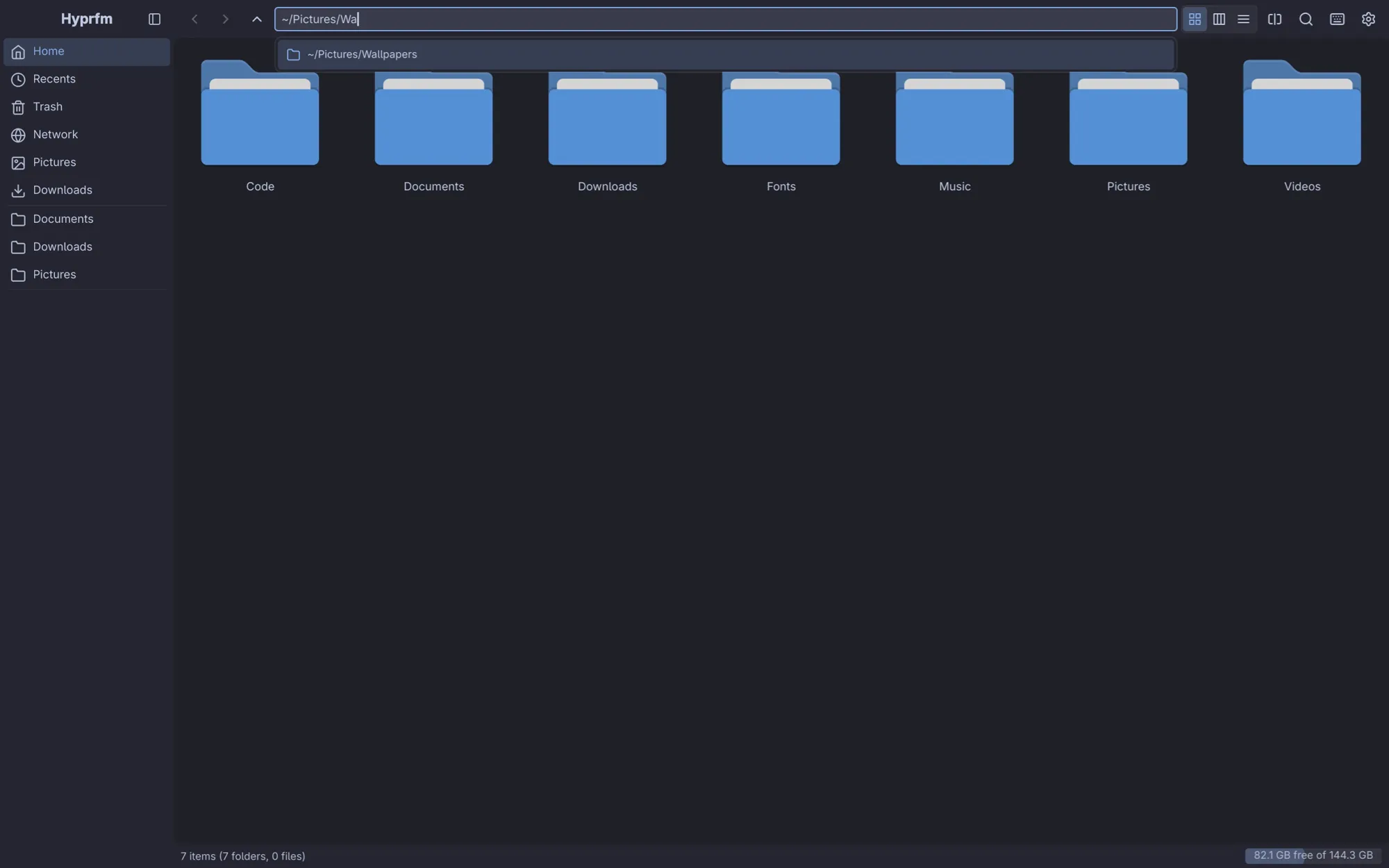
Type a path and pick from what exists. Enter goes there.
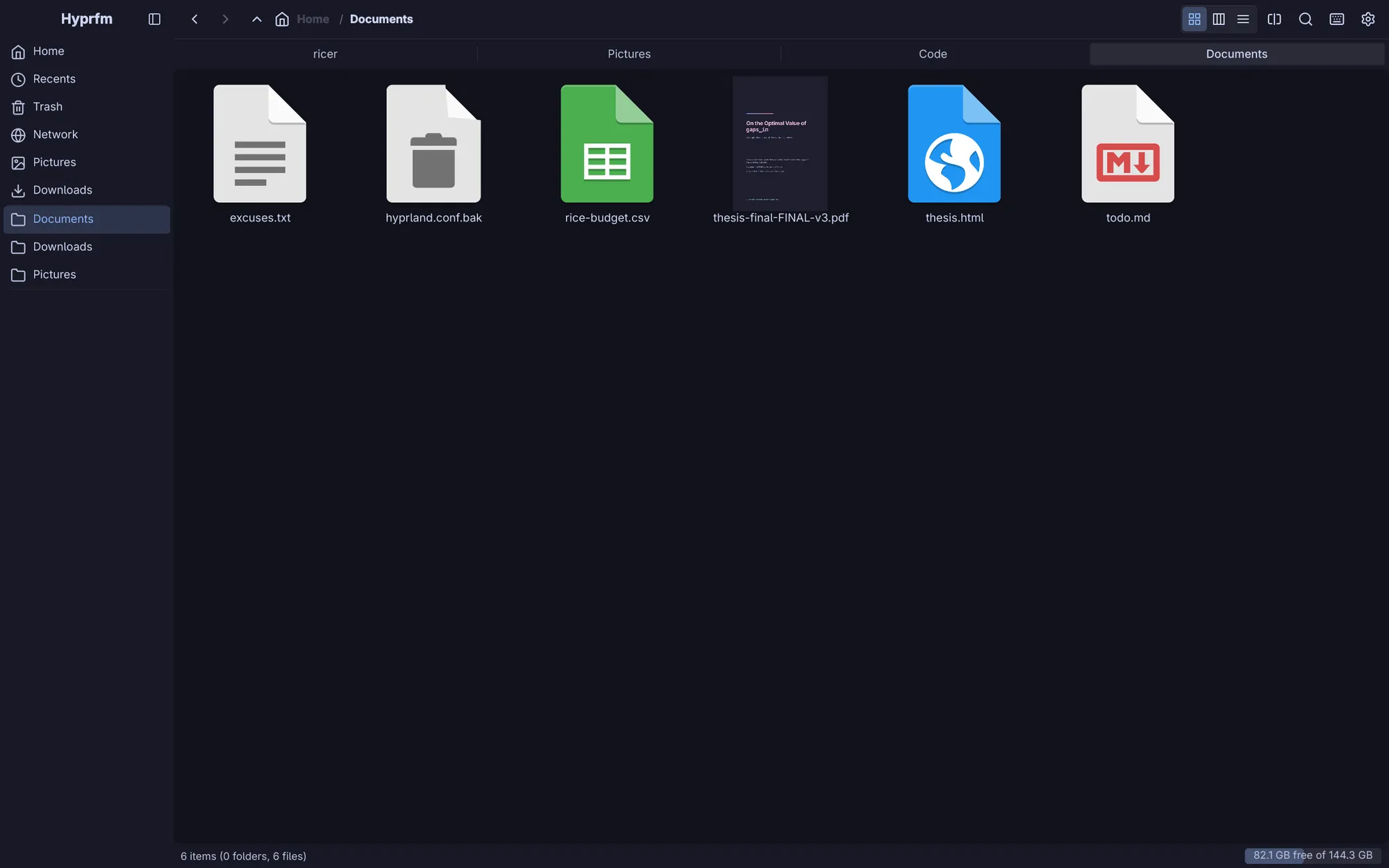
Back and forward per tab. Ctrl+Shift+T reopens the one you closed.
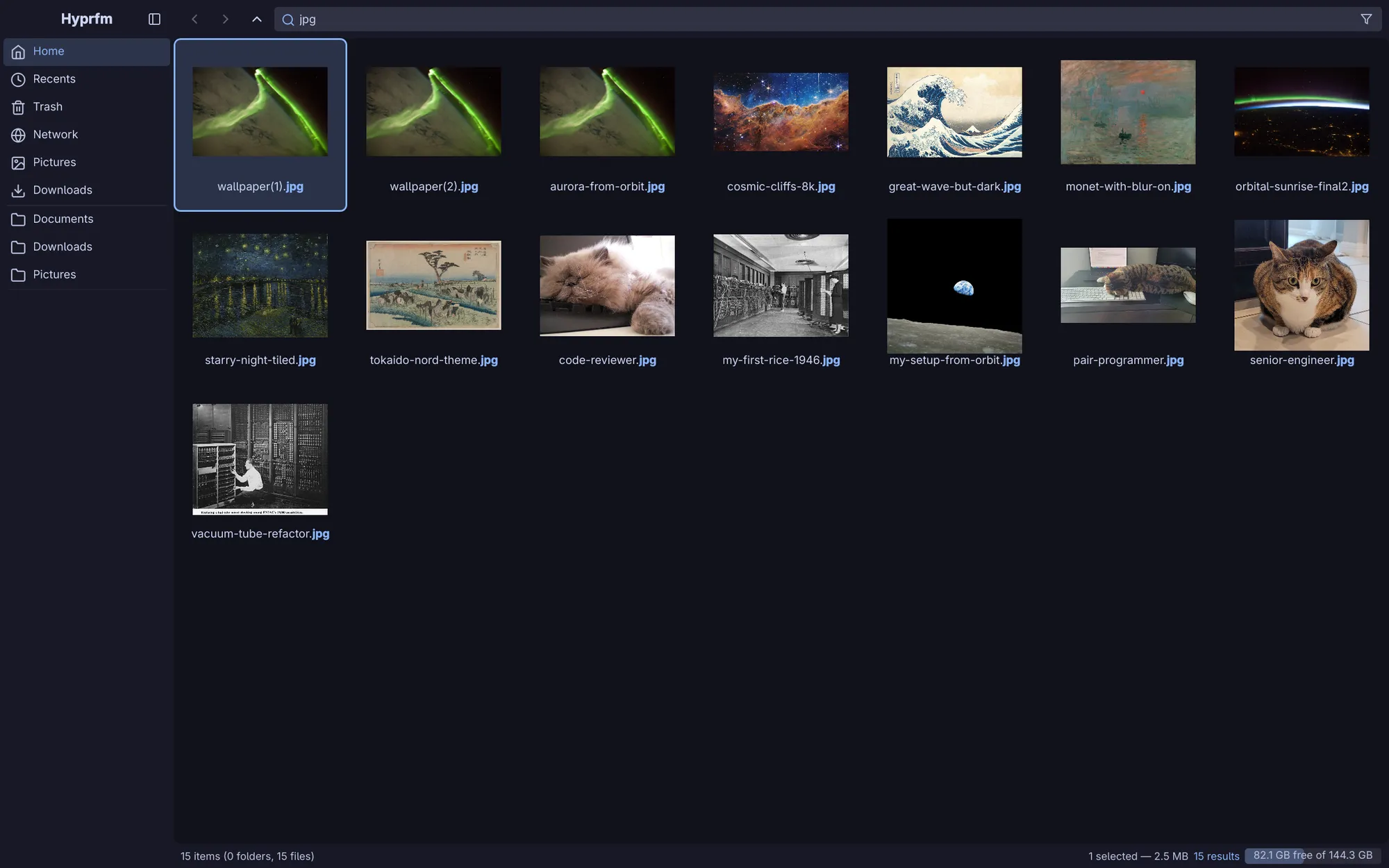
Recursive search that keeps the window responsive. Uses fd when it is installed.
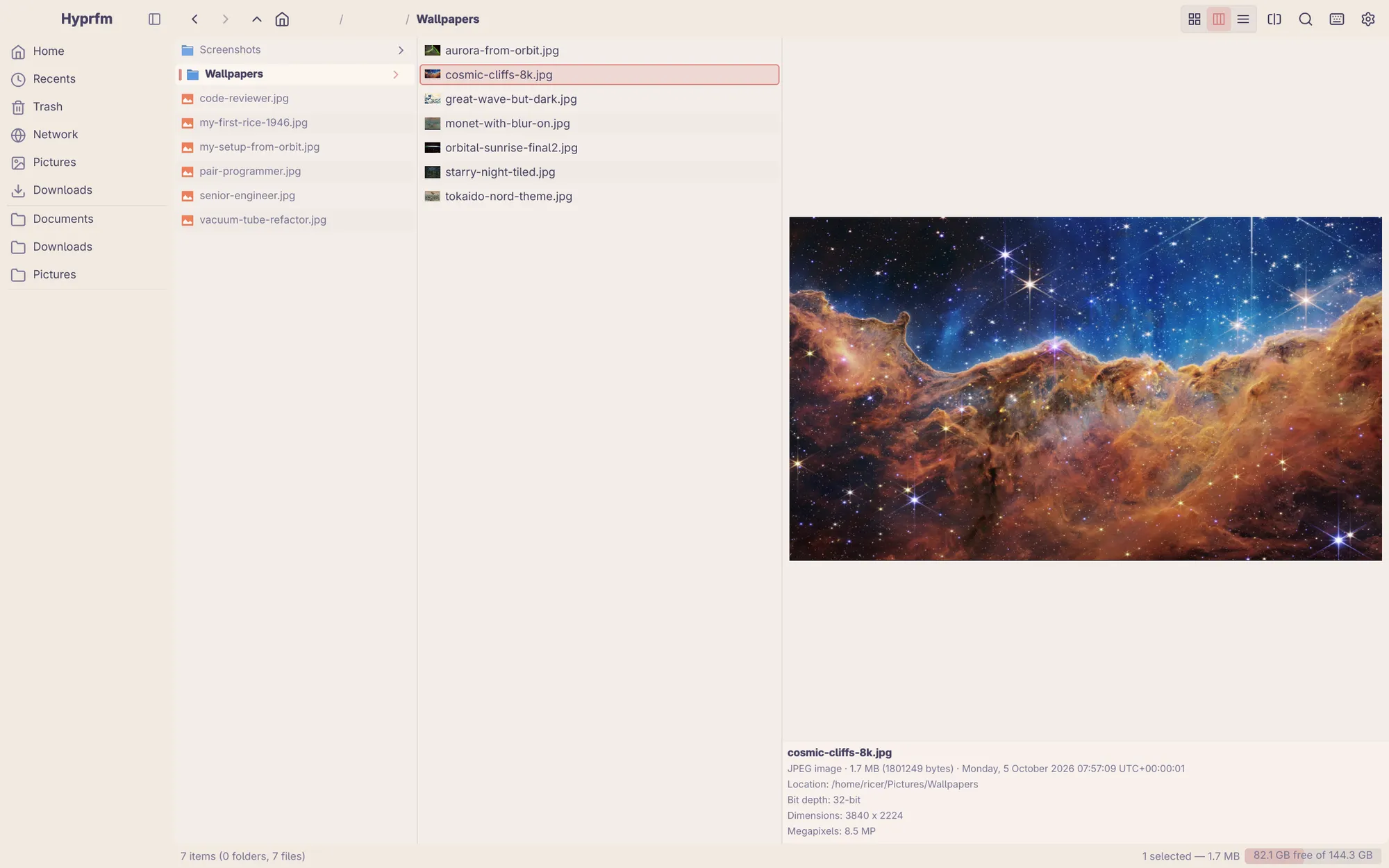
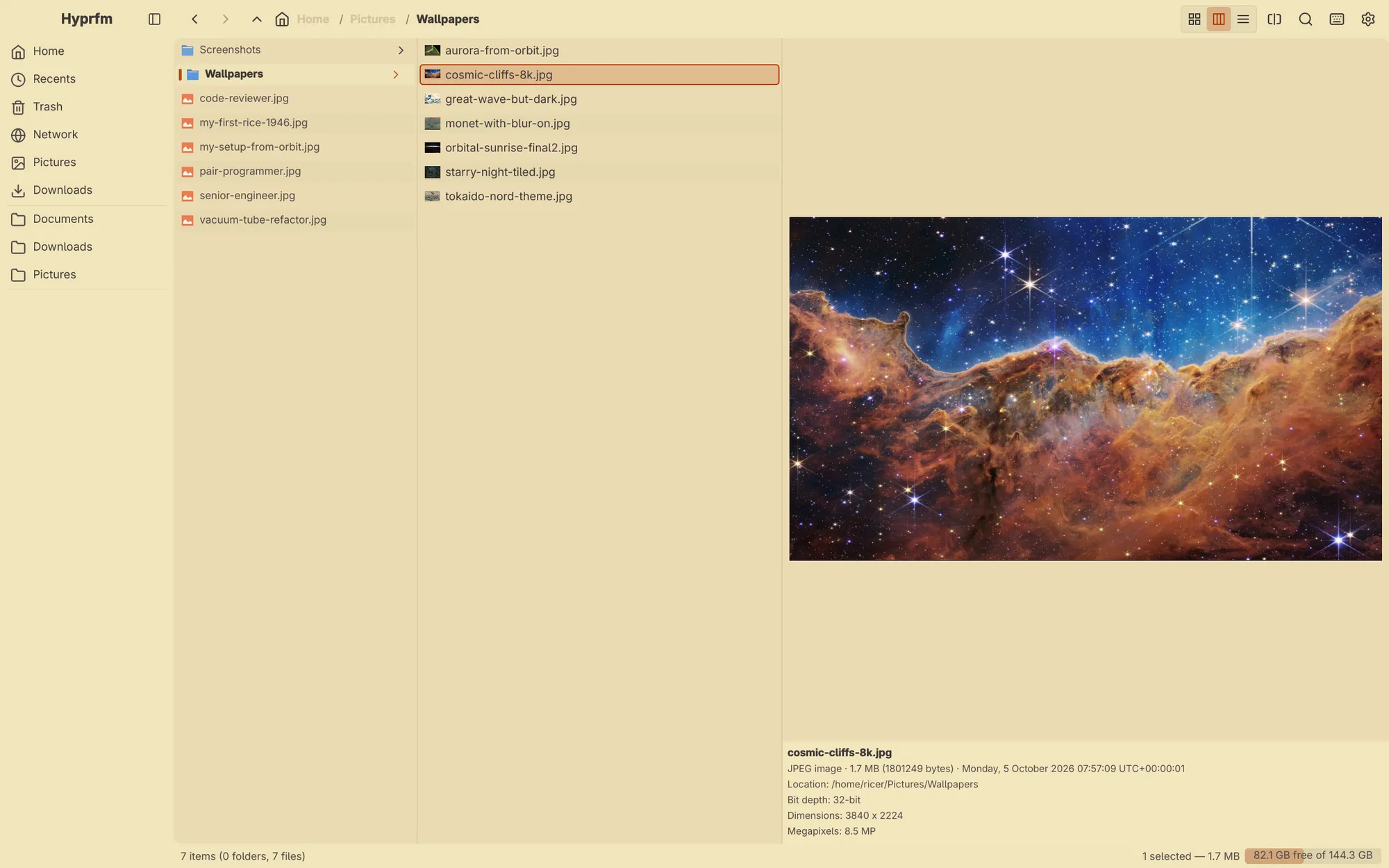
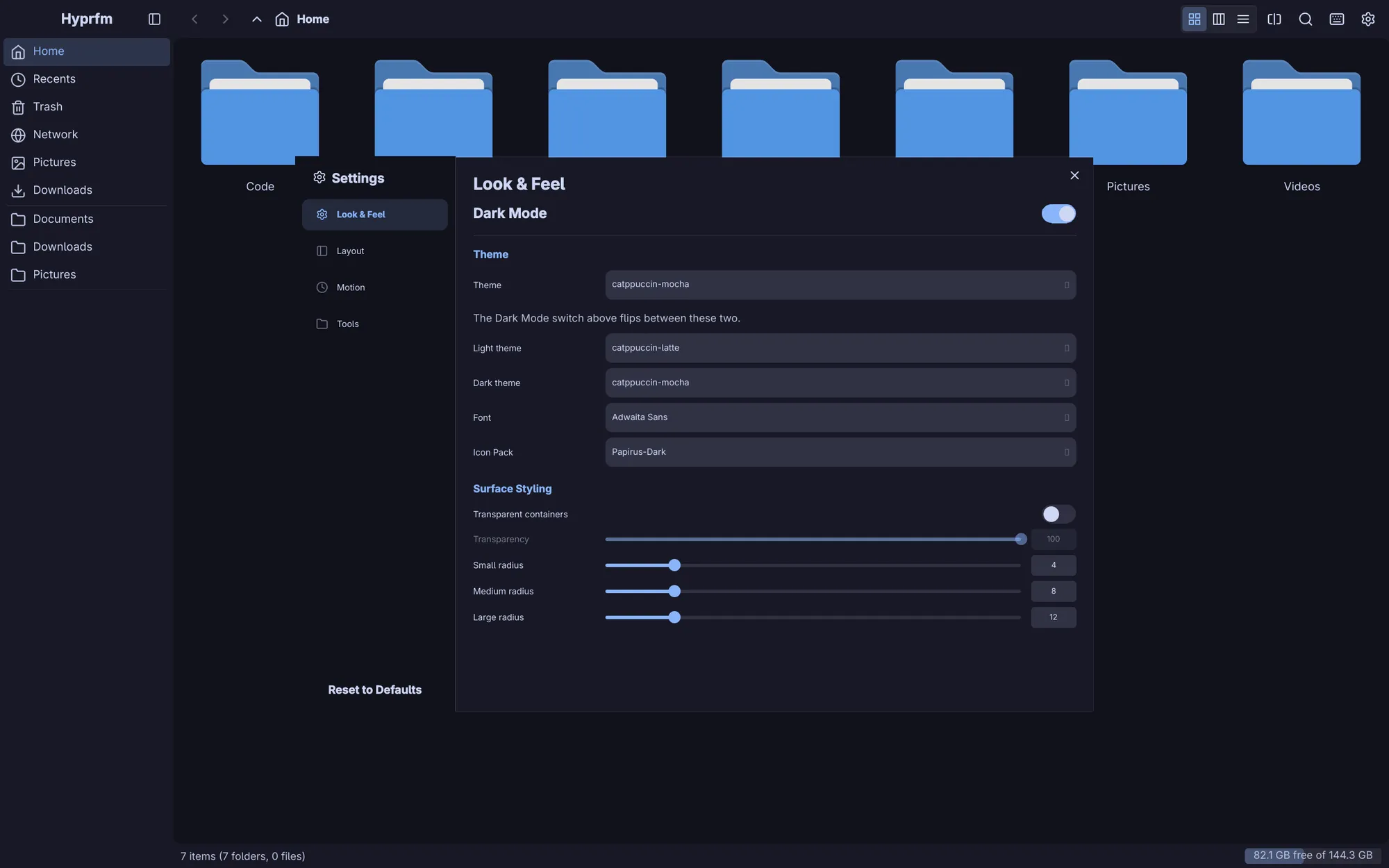
Themes are small TOML files. Point theme at one in config.toml, save, and HyprFM recolours while you watch. This page uses the same ten palettes: pick one and the whole site switches.
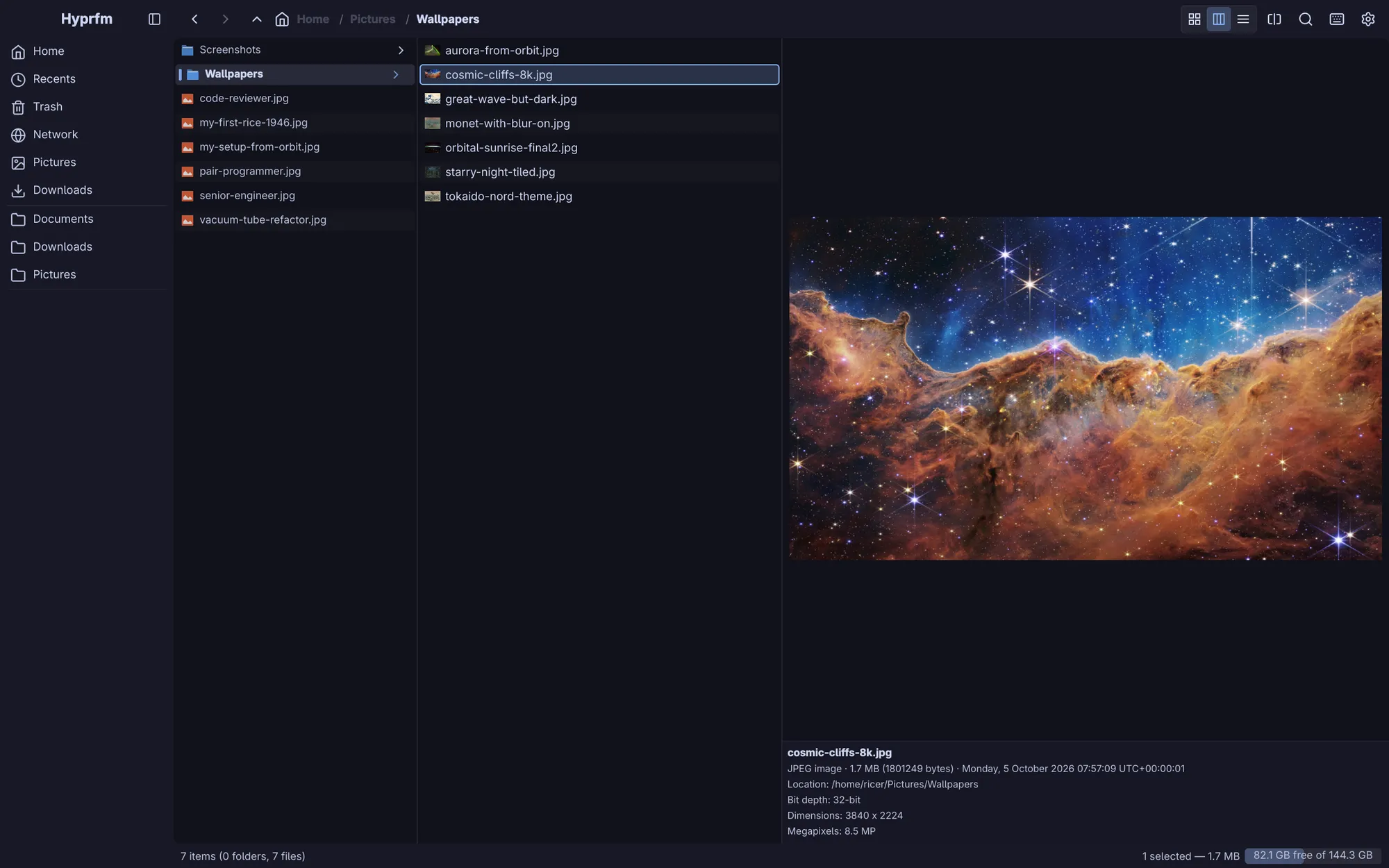
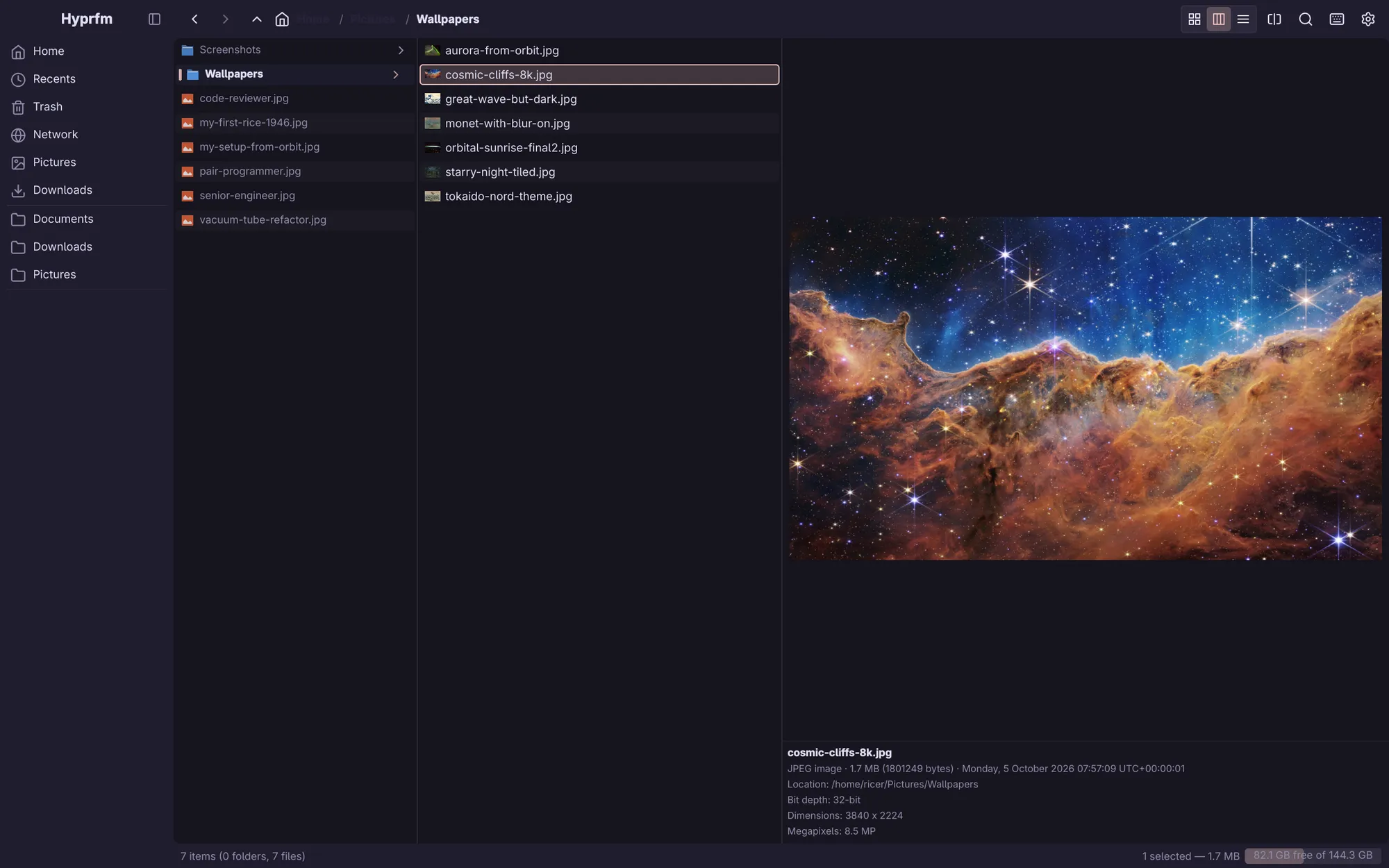
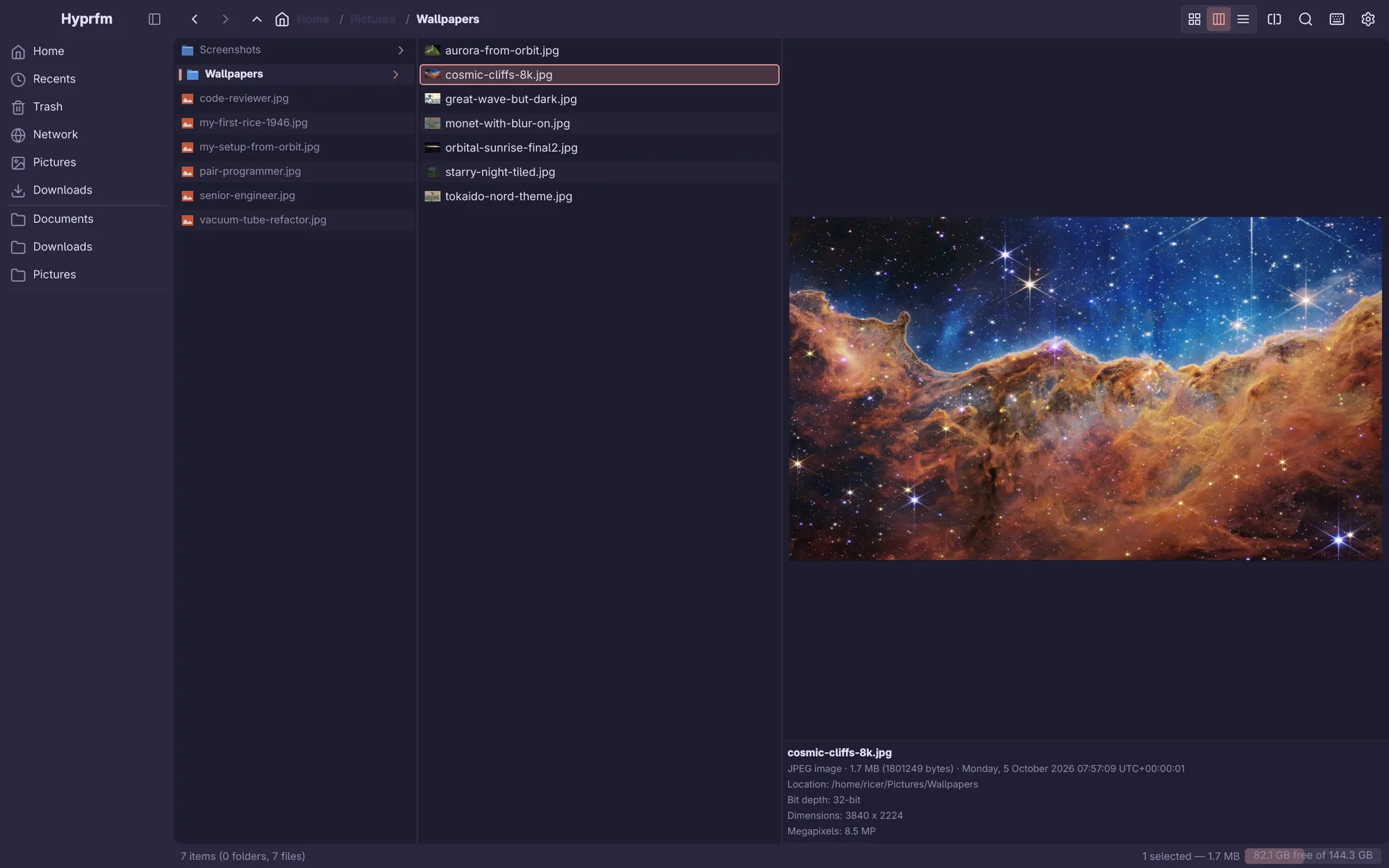
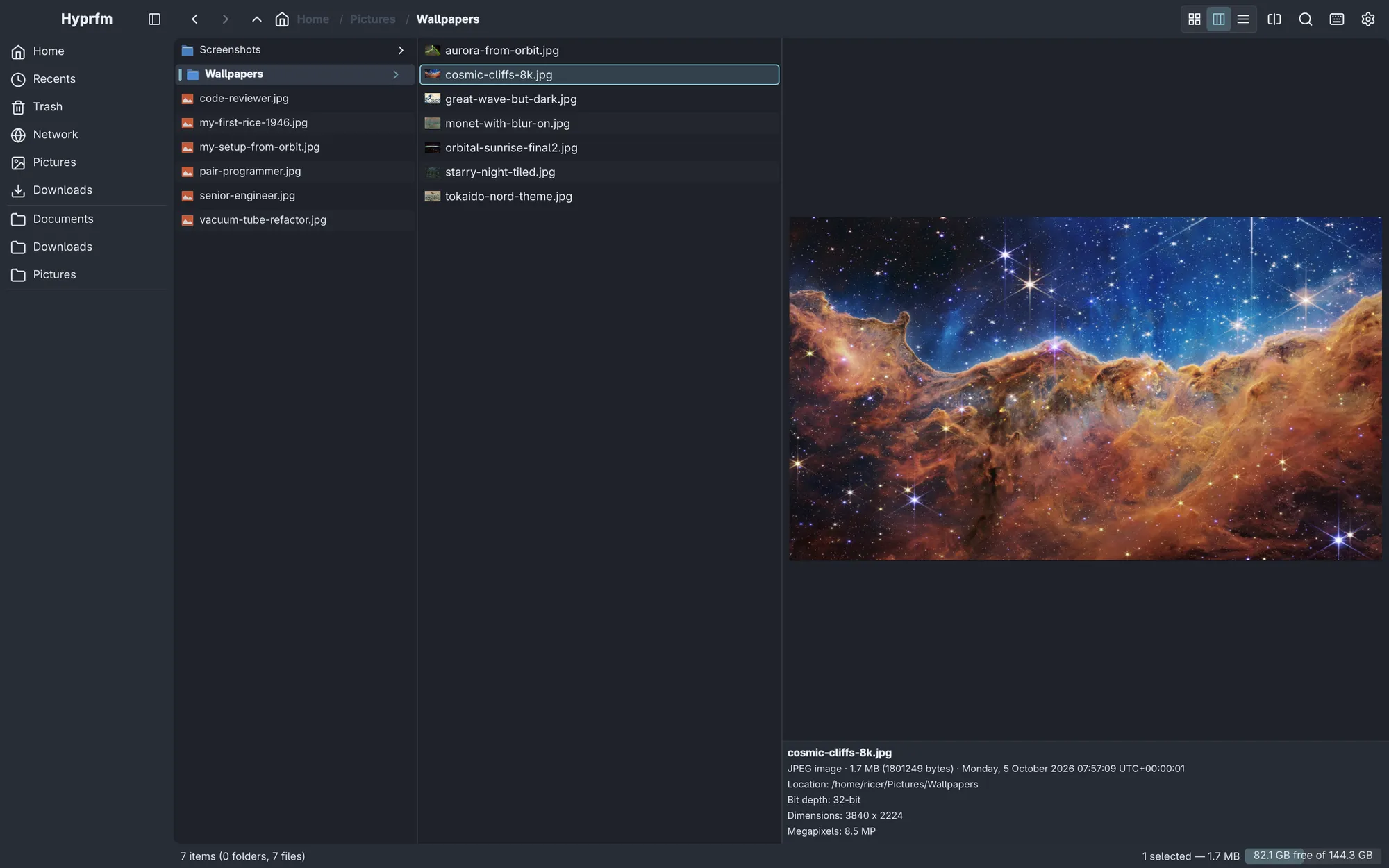
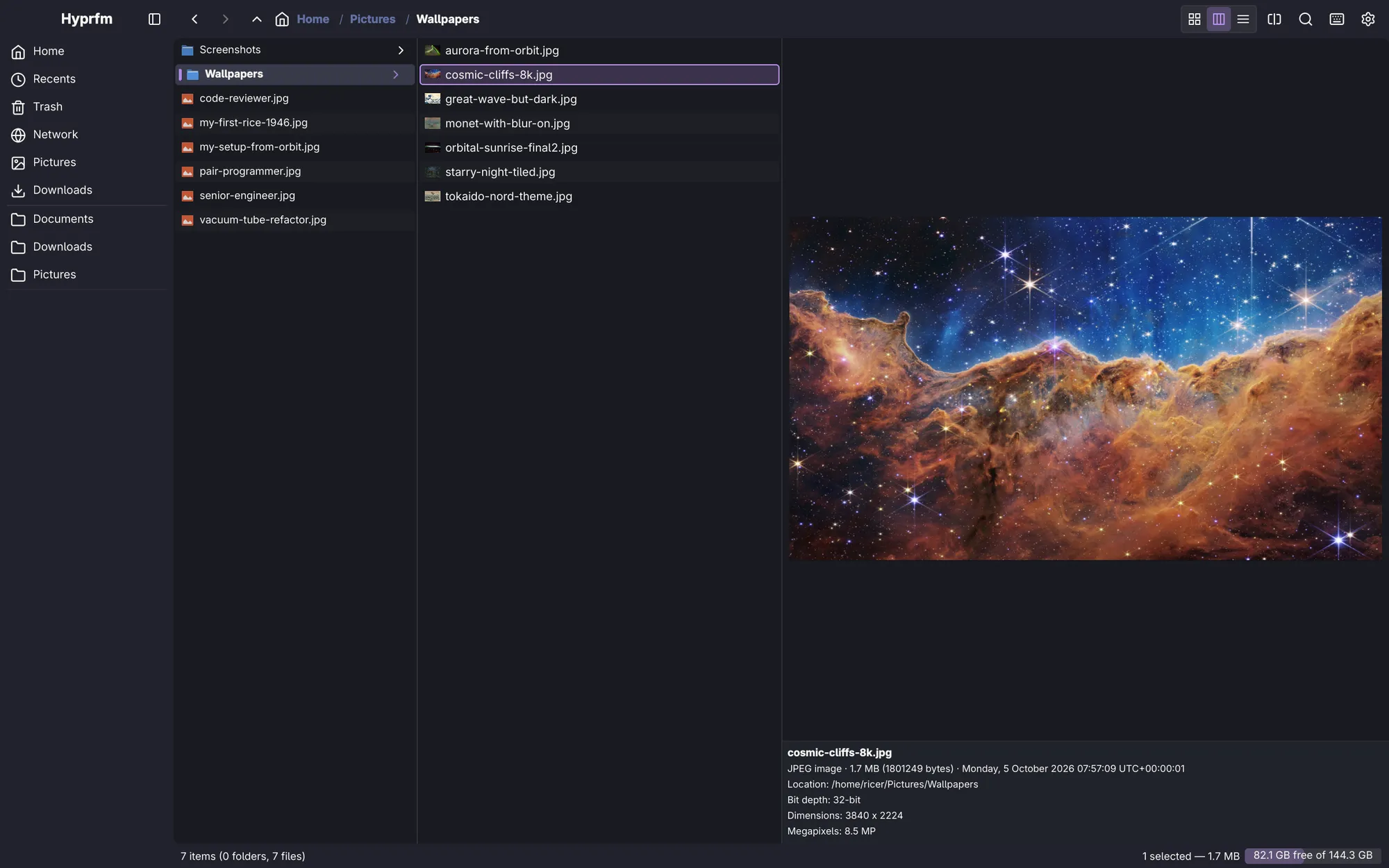
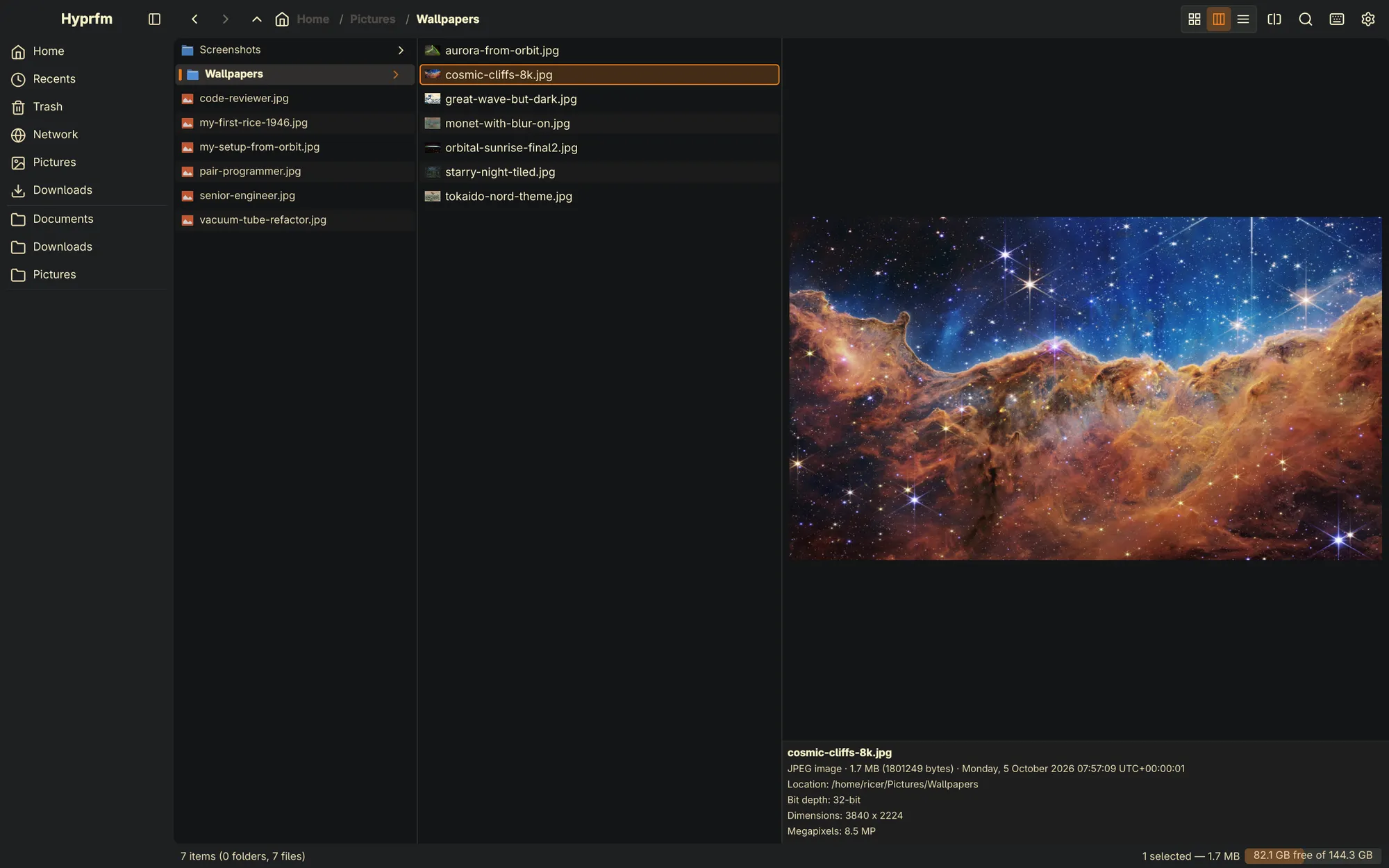
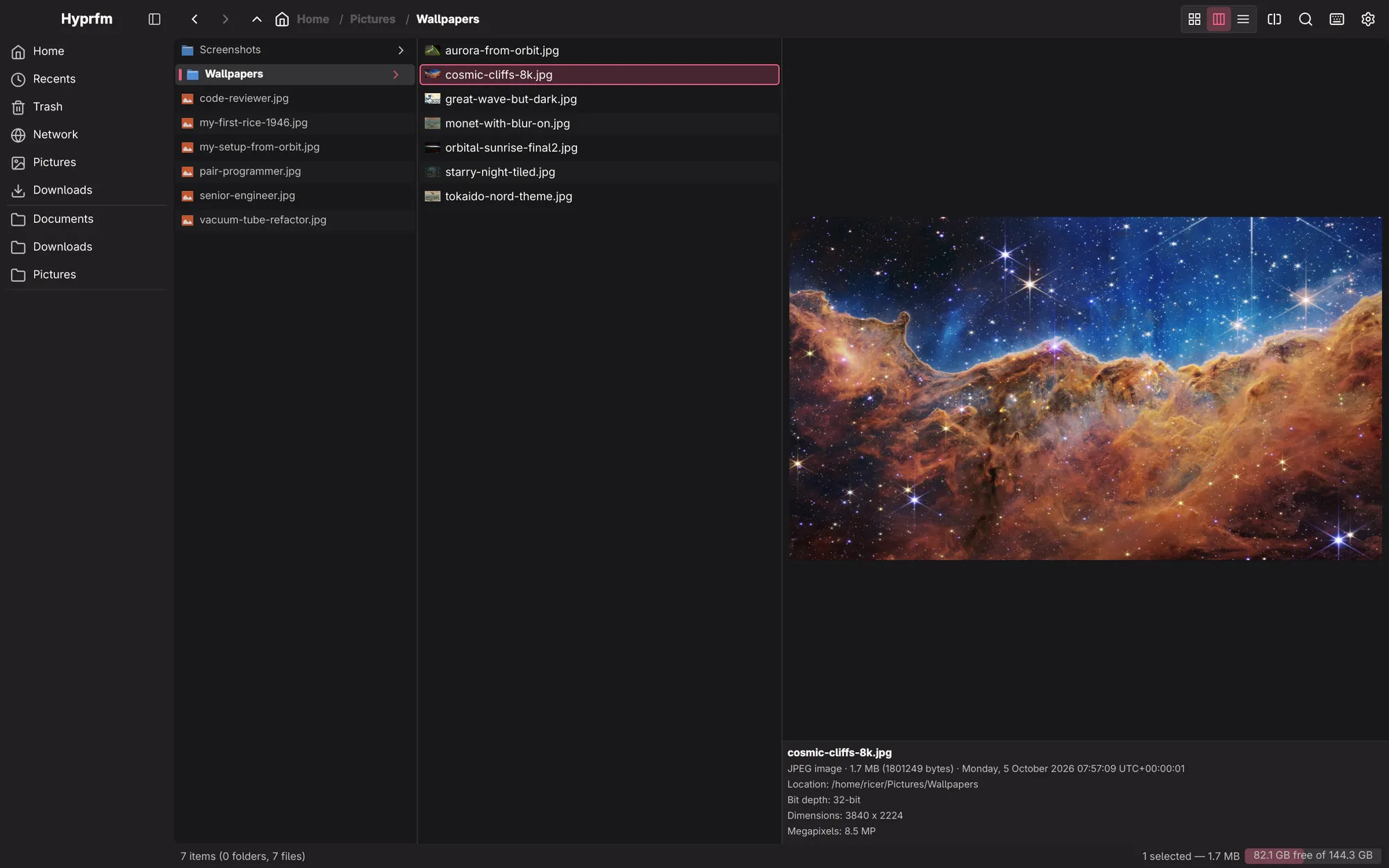
# ~/.config/hyprfm/config.toml
[general]
theme = "catppuccin-mocha"
One config.toml holds everything: view, sidebar, radii, transparency, every shortcut, and your own right-click actions. It reloads on save. Ctrl+Shift+, opens it in your editor.
# Your own entries in the right-click menu,
# each with an optional shortcut of its own.
[[context_menu.actions]]
name     = "Rate my rice"
command  = "notify-send 'rice level' 'over 9000'"
types    = ["dir", "image/*"]
shortcut = "Ctrl+R"

[[context_menu.actions]]
name    = "Set as wallpaper (swww)"
command = "swww img %f"
types   = ["image/*"]

# Rebind anything. Delete the line to get the default back.
[shortcuts]
quick_preview = "Space"
split_view    = "F3"
%f is the selected file.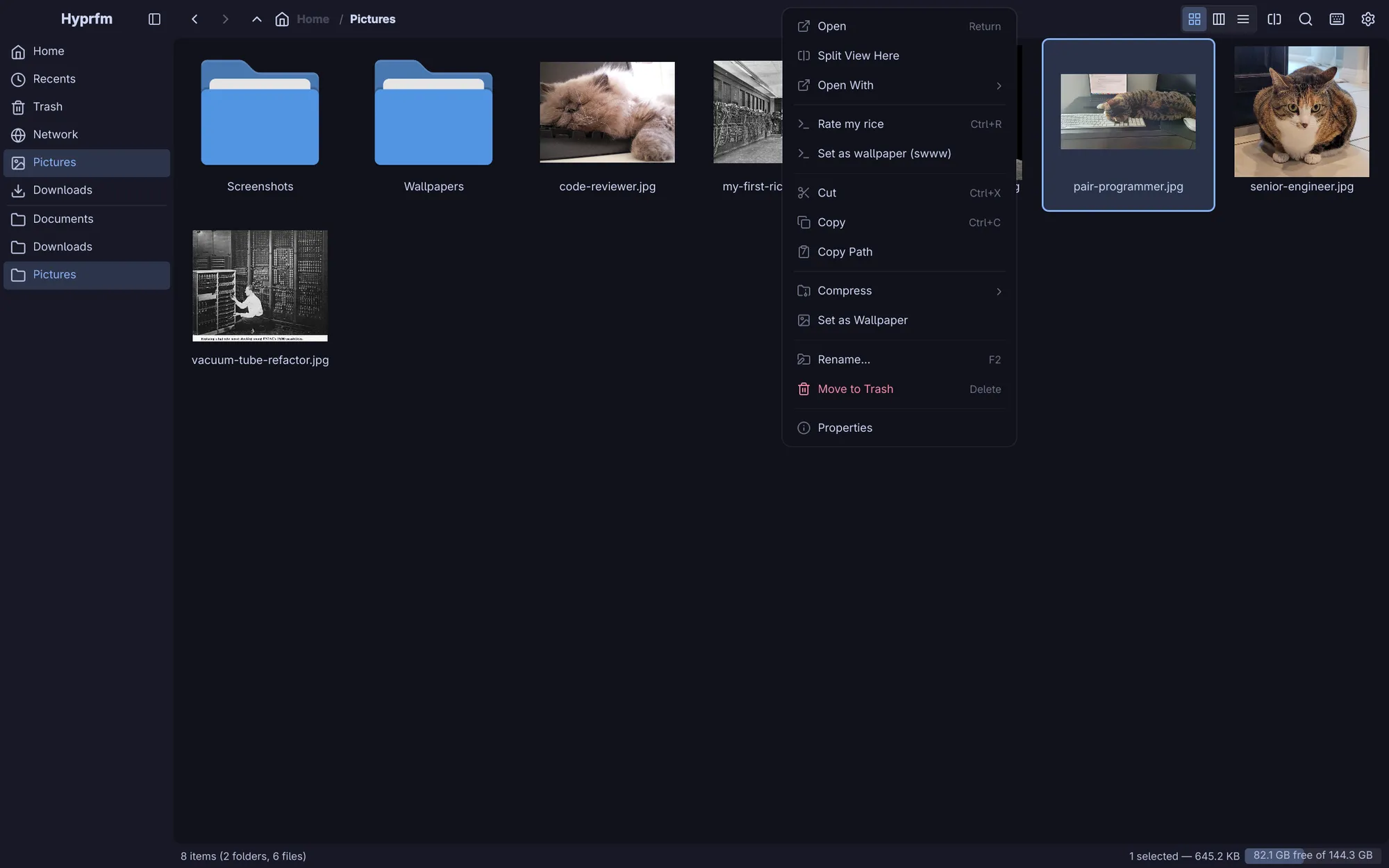
One process serves every window, previews build on worker threads, and stale previews are dropped when you arrow past them. Opening a folder of 10,000 files takes about 40 ms. Here is how the launch compares, warts included.
Medians of seven runs per app, measured in one session on the author’s laptop (2026-09-20). Since then HyprFM’s launch is down to 163 ms. Method and raw numbers: performance-history.md.
The same list as HyprFM’s own Ctrl+? dialog.
No shortcut matches that. Every action is listed in config.toml, too.
HyprFM needs a Wayland session. It is built for Hyprland and runs on GNOME and KDE Plasma too. Release notes ↗
Builds the current development version.
yay -S hyprfm-gitRecommended outside Arch. Signed repository; the KDE runtime comes from Flathub at user scope.
flatpak remote-add --user --if-not-exists flathub \
  https://dl.flathub.org/repo/flathub.flatpakrepo
flatpak remote-add --user --if-not-exists hyprfm \
  https://flatpak.hyprfm.soyebjim.me/hyprfm.flatpakrepo
flatpak install --user hyprfm io.github.soyeb_jim285.HyprFM
Self-contained x86_64 build of v0.6.1. No system Qt needed.
curl -LO https://github.com/soyeb-jim285/hyprfm/releases/latest/download/HyprFM-v0.6.1-x86_64.AppImage
chmod +x HyprFM-*.AppImage
./HyprFM-*.AppImage
Run straight from the flake, or add it as an input and use hyprfm.packages.<system>.default. On NixOS, enable services.gvfs for network locations.
nix run github:soyeb-jim285/hyprfm

# flake.nix
inputs.hyprfm.url = "github:soyeb-jim285/hyprfm";
Needs cmake, ninja, qt6-base, qt6-declarative and qt6-svg. Keep --recursive: the UI library is a submodule.
git clone --recursive https://github.com/soyeb-jim285/hyprfm.git
cd hyprfm
cmake -B build -G Ninja -DCMAKE_BUILD_TYPE=Release -DBUILD_TESTS=OFF
cmake --build build --parallel
./build/src/hyprfmbatsyntax-highlighted previewsmd4crendered MarkdownpopplerPDF pagesffmpegvideo posters and media infoexiftoolphoto metadatafdfaster searchgvfsSFTP, SMB and MTPudisks2mounting drivesThe Flatpak, AppImage and Nix builds bundle these already.